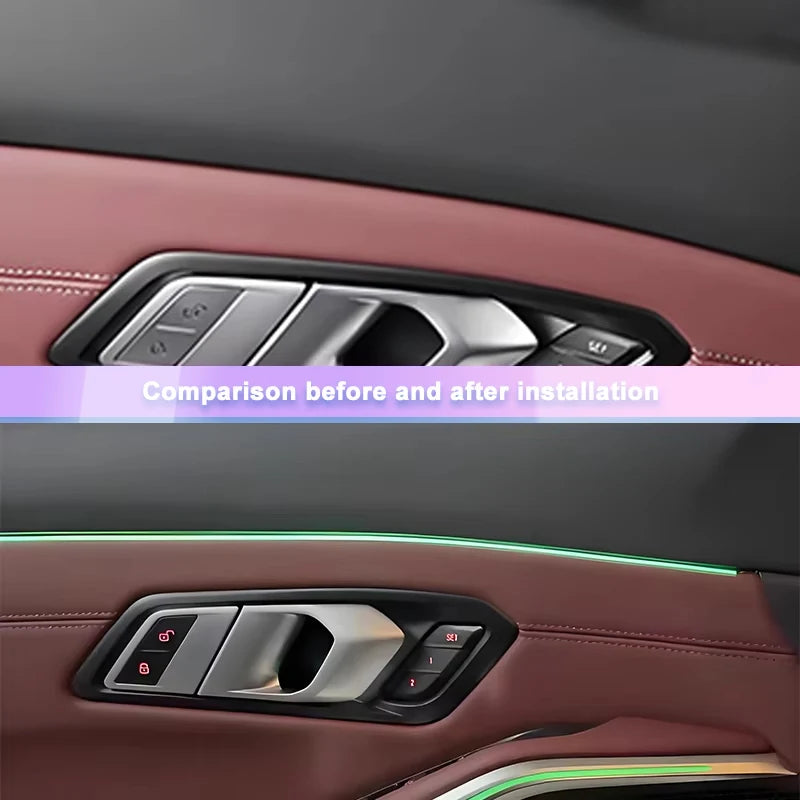
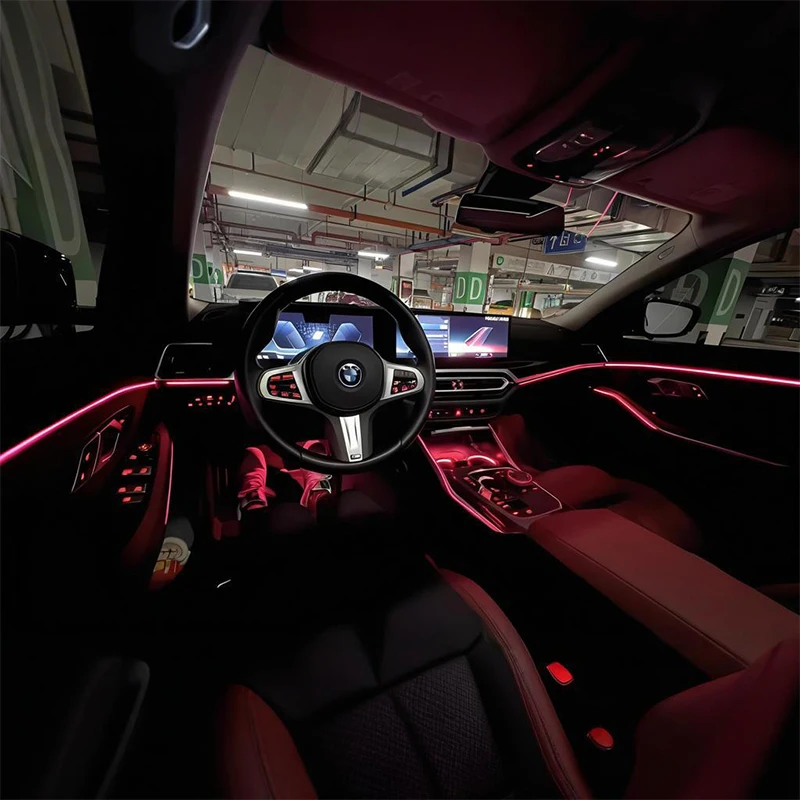
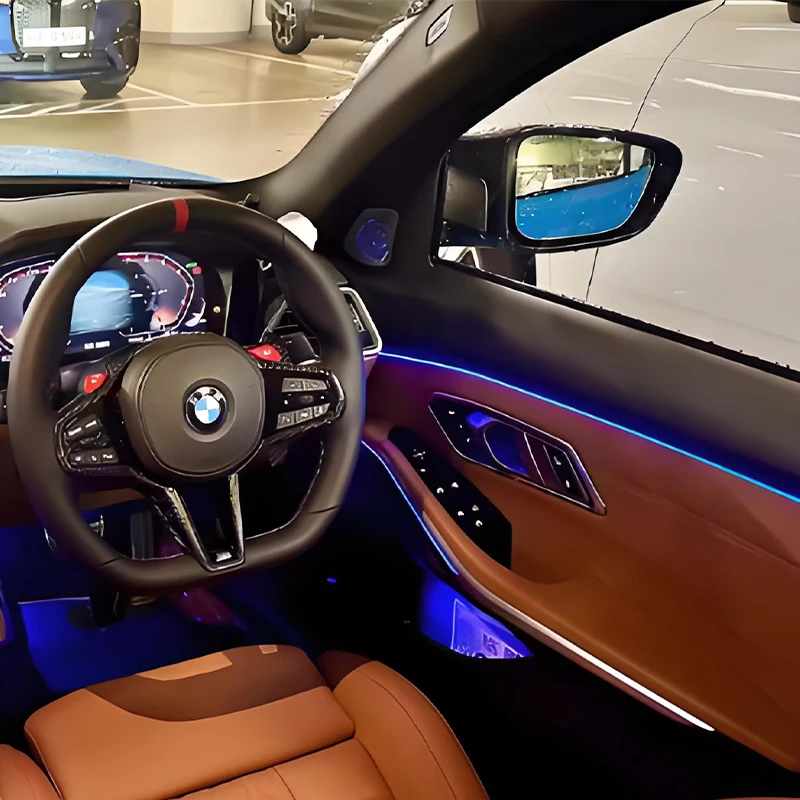
11 Colour Car LED Door Ambient Lights For BMW G20 G21 G22 G26 G80 G82 M3 M4 New 2/3/4 Series Auto Interior Decorative Lamp Refit
11 Colour Car LED Door Ambient Lights For BMW G20 G21 G22 G26 G80 G82 M3 M4 New 2/3/4 Series Auto Interior Decorative Lamp Refit
SPECIFICATIONS
Brand Name: MANKALEILAB
Certification: CE
Choice: yes
Color: Black
Compatible Models: For BMW G20/G22/G05/G06
High-concerned chemical: None
Item Type: Atmosphere lamp
Material: ABS
Origin: Mainland China
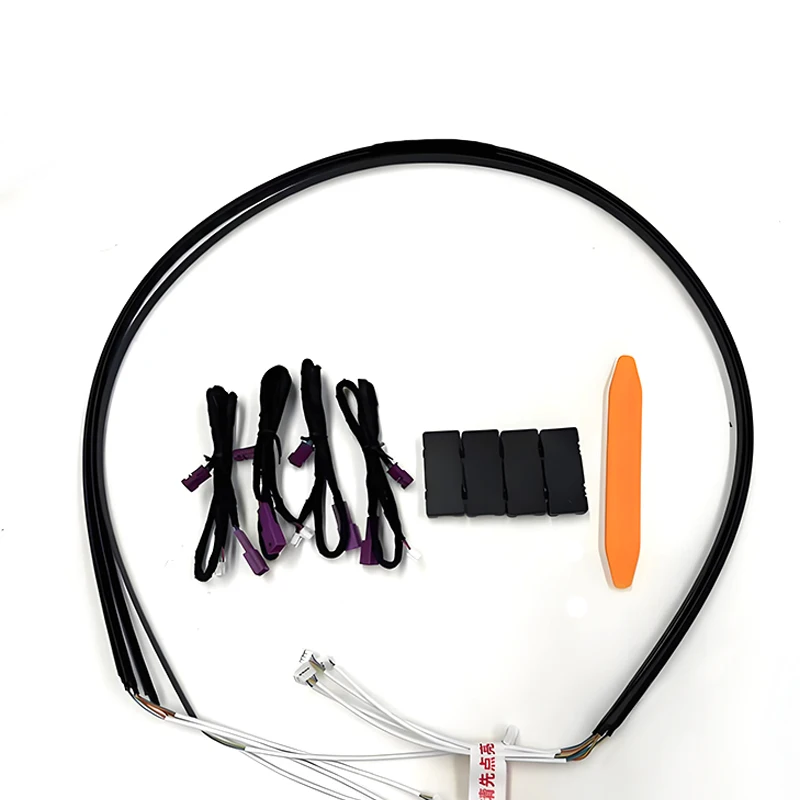
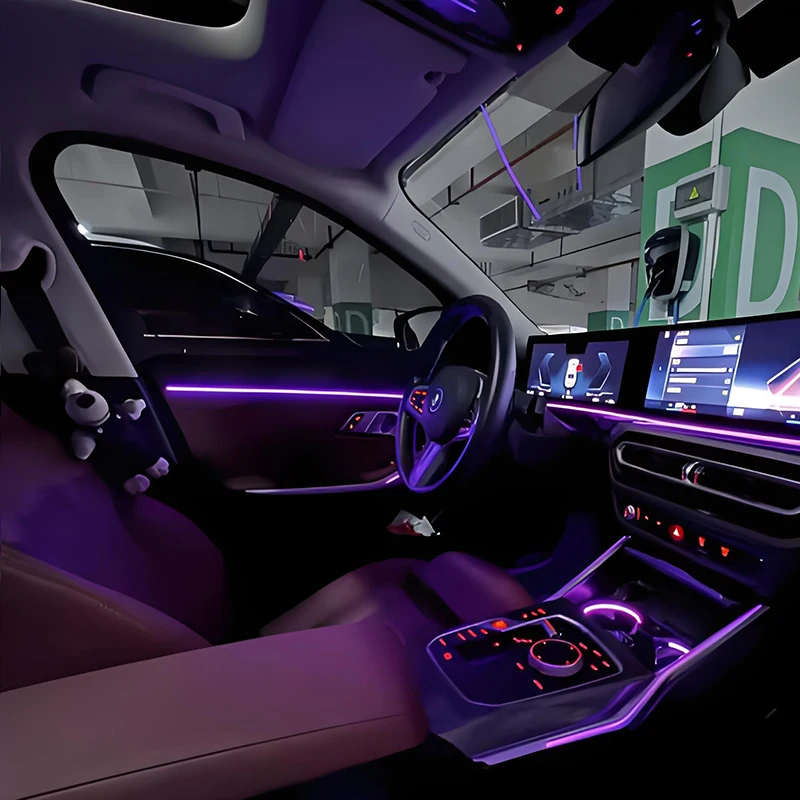
Product name: 4-doors contour Ambient Lighting
Special Features: Synchronized with Original Ambient Lighting
Please note:
After receiving the product, please contact us as soon as possible for installation instructions,
Please don't install it without receiving the installation instructions, so as not to cause damage to the car.
Installation position: For 4-Door Contour
Applicable models: for BMW 3 Series G20 G28 2020-2023/X5 G05 X7 G07 2019-2023/X6 G06 2010-2023/M3 G80 G81 2021-2024
2.The color of the product is synchronized with the ambient light of the original car.
3.The product is easy to install, replacing the original car central control saddle trim plate installation.
How to Use:
Plug and Play, Non destructive installation, no programming required, synchronizes with the original car ambient light system.
After-sales Support and Installation Guide
Dear Buyer,
To ensure a smooth installation and protect your rights, please read this guide carefully before you begin.
1. Inspection Upon Receipt: Inspect First, Clarify Responsibility
Purpose: Inspect the product after receiving it but before installing it. This step is crucial for defining responsibility and protecting your rights.
Three-Step Inspection (Perform Immediately)
Check Product Appearance: Look for shipping damage such as dents, cracks, or paint chips on the light strips and housing.
Check Wiring Harness: Ensure all cables are not crushed, have damaged sheathing, or broken wires.
Check Pin Details: Confirm all pins are straight, with no bending or misalignment.
What to Do After Inspection
❌ If You Find Damage: If you find any of the above shipping damage, stop installation immediately. Apply for a return or exchange directly, and we will assist you throughout the process.
✅ If Everything Is Intact: Only proceed with installation after confirming all three items are undamaged.
⚠️ Special Explanation: The logistics service is provided by the platform-designated service provider, and we cannot directly control the logistics transportation process. However, we have fulfilled our reasonable packaging protection obligations. We will not be responsible for quality disputes initiated due to transportation indentations after you receive the goods. Thank you for your understanding.
Special Note for BMW 3/4 Series Owners: Before installation, please double-check the orientation of the ambient light control boxes (black boxes) for the driver and passenger sides. Installing them backwards will cause the lighting effects to not match your vehicle's system.
Clarifying Responsibility To handle any after-sales issues clearly and efficiently, you must inspect the product upon delivery. If you fail to inspect the product upon receipt, or if you find a problem but do not contact us within 24 hours, and instead report issues like damaged wiring/pins or color mismatch only after installing it yourself, we cannot be held responsible. Such damage is highly likely to be caused by improper handling during the subsequent installation. Thank you for your understanding.
2. Troubleshooting After Installation (Follow in Order)
If you experience any of the following issues immediately after installation, please follow these steps in order.
Issue 1: Inconsistent Color, Lights Turn White, Not Synced, or Spotty Colors
Step 1: Check All Connections Ensure all plugs are fully inserted and the connector housings are securely latched. Re-seat the connections, make sure they are locked, and test again.
Step 2: Check the Light Strip Look for any physical damage like excessive squeezing, sharp bends, dents, or breaks on the light strip.
Step 3: Check the Light Beads (If You Trimmed the Strip)
Important: If you need to cut the strip, wear gloves and be very careful not to cut the Light Beads.
Problem: Our strips use high-density Light Beads .Damaging an Light Beads during cutting can cause color issues, spotty patterns, or sync failure for that section and beyond.
Fix: Trim off an extra 1-2 mm of the strip past the damaged Light Beads to bypass it.
Step 4: Reset Vehicle System (For one-side issues or door-open whitening)
When to use: If steps 1-3 find no physical damage, but one side is still wrong or turns white when a door opens.
Cause: A program conflict when your vehicle system switches between iDrive 7 and iDrive 8.
Fix: a. Turn off all interior reading lights. b. Close all four doors. c. Go to the "Ambient Lighting" settings on your car's screen. d. Quickly and repeatedly press the ambient light On/Off button. e. Watch the affected light strip. The moment it briefly flashes green, stop pressing. The lights should work normally.
Strongly Recommended: Before finalizing the installation, temporarily connect the power to test the color, brightness, and sync of all strips. Confirm everything works perfectly to avoid rework later.
Issue 2: Lights Are Too Dim
This is normal. The footwell light brightness is affected by ambient light (like sunlight) and syncs with your car's original lighting system. It adjusts automatically via your car's light sensor for a comfortable experience. No need to worry.
3. Installation Tips
Follow these tips to avoid damage:
Get Help if Needed: If you're not experienced with car interior work, get help from a professional.
Use the Right Tools: Use proper tools. Don't force parts with the wrong tools.
Handle Connectors Correctly: When plugging/unplugging, hold the plastic housing of the connector. Never pull on the wires or pins directly.
Bend Gently: When bending the light strip, keep the curve gentle. Avoid sharp bends of less than 90 degrees.
4. After-sales Support
We're here to help. If problems remain after following this guide, or if you confirm a product defect not caused by handling, please contact our customer service through your purchase channel. We will verify and assist promptly.
Wishing you a smooth installation!
Couldn't load pickup availability
In stock
View full details