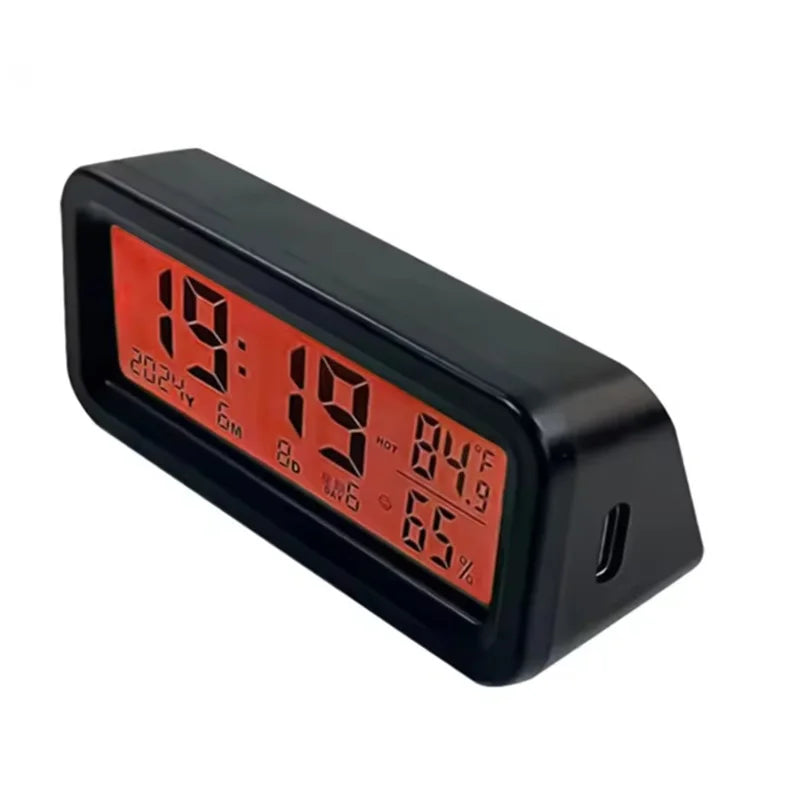
LCD Digital Solar/USB Car Clocks Power Dashboard Thermometer Automotive Electronic Temperature Humidity Gauge Automobiles Clock
LCD Digital Solar/USB Car Clocks Power Dashboard Thermometer Automotive Electronic Temperature Humidity Gauge Automobiles Clock
SPECIFICATIONS
Brand Name: NONE
Choice: yes
High-concerned chemical: None
Origin: Mainland China
Description
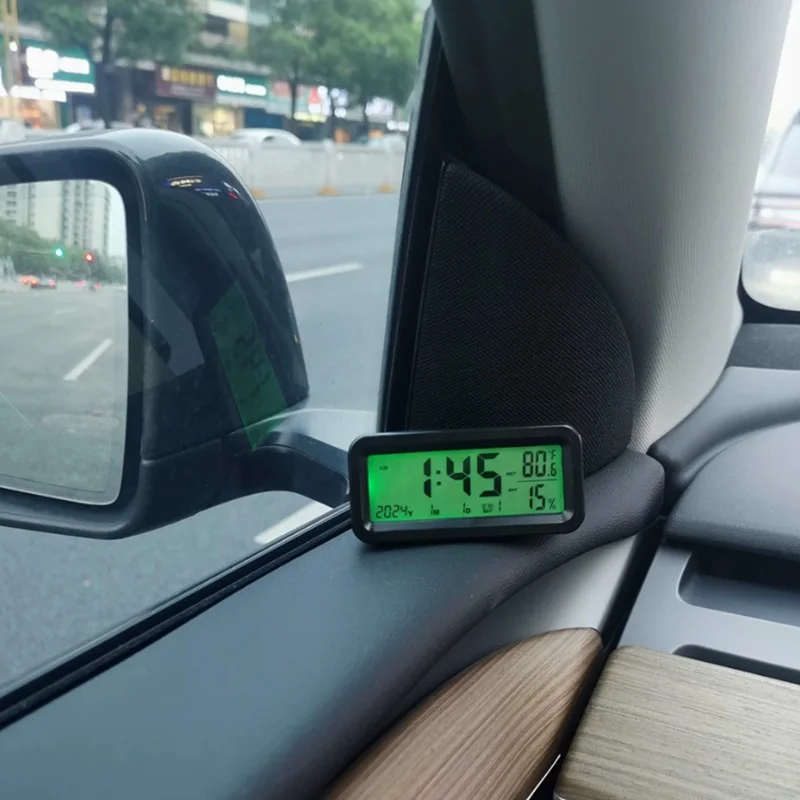
The Automatic Backlight Car Dash Clock is a compact and versatile digital device designed to enhance your driving experience. Powered by solar energy, this LED clock ensures reliable performance without frequent battery replacements. Its luminous display automatically adjusts brightness, making it easy to read during both day and night driving. Ideal for various vehicles including sedans, trucks, SUVs, pickups, and scooters, this automotive accessory can be conveniently mounted on the console or air vent. Equipped with a humidity monitor, it provides real-time updates on interior conditions, ensuring comfort while parking or driving. The small design blends seamlessly into any vehicle interior, offering functionality without clutter. Enhance your driving routine with this practical and efficient car dash clock, a reliable companion for every trip.
ProductSpecification:
Product Name: Car Clock
Product Material: ABS
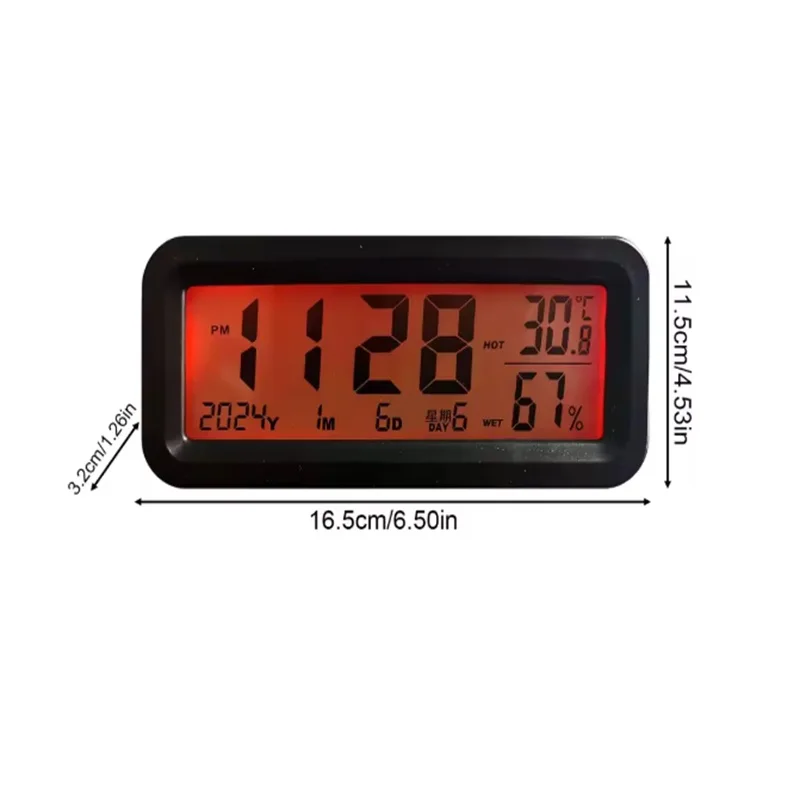
Product Size: about 16.5x11.5x3.2cm/6.50 inchesx4.53 inchesx1.26 inches
Note:This product is equipped with double-sided tape. Please clean the pasting location before pasting. The solar panel faces a bright location to continuously charge the product.
Instructions for use:
1. Push the sliding button on the back of the product upward to turn on the power.
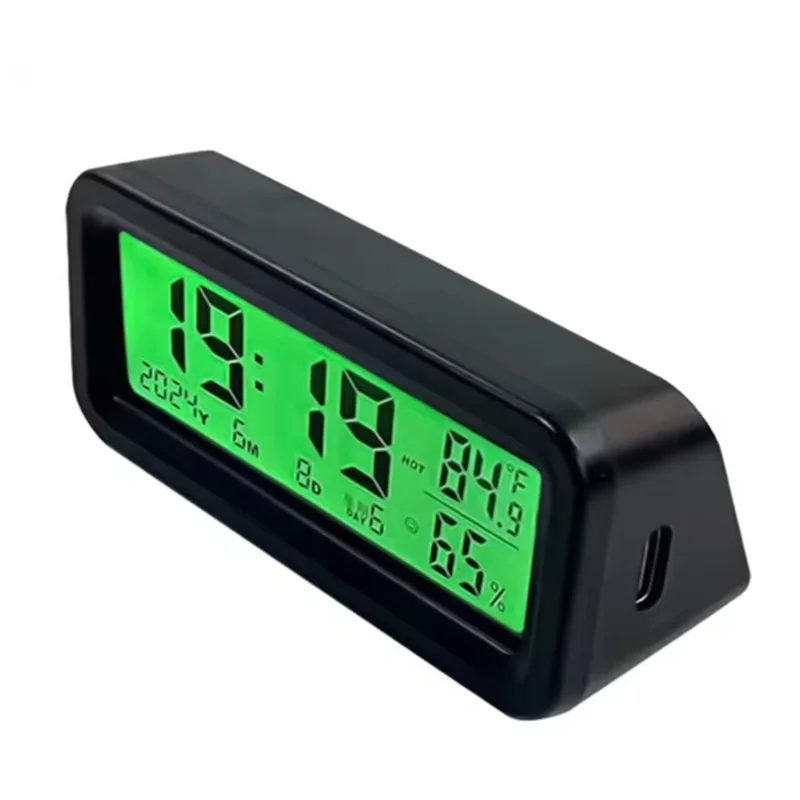
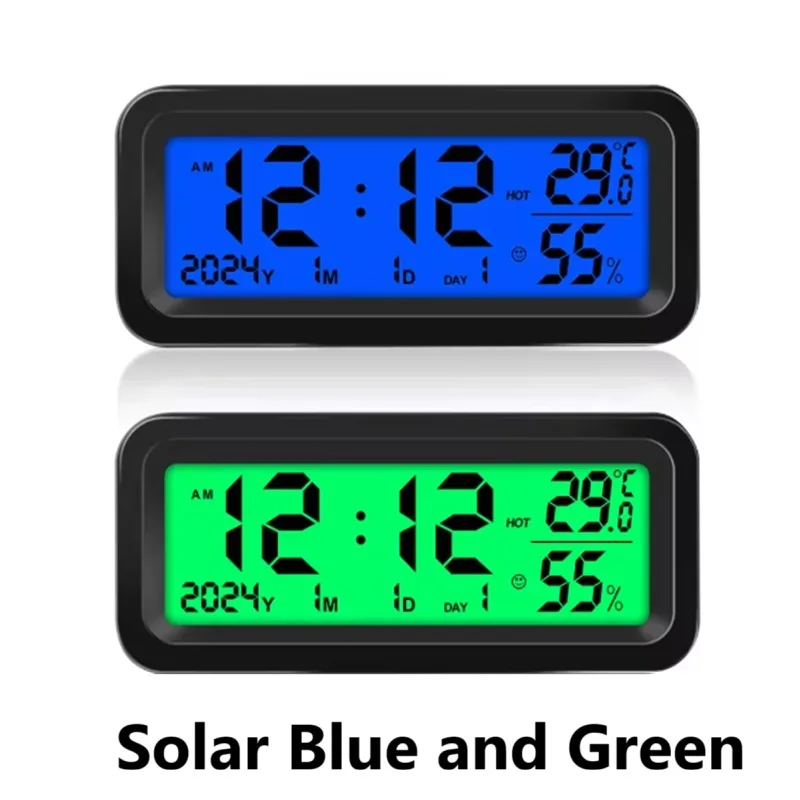
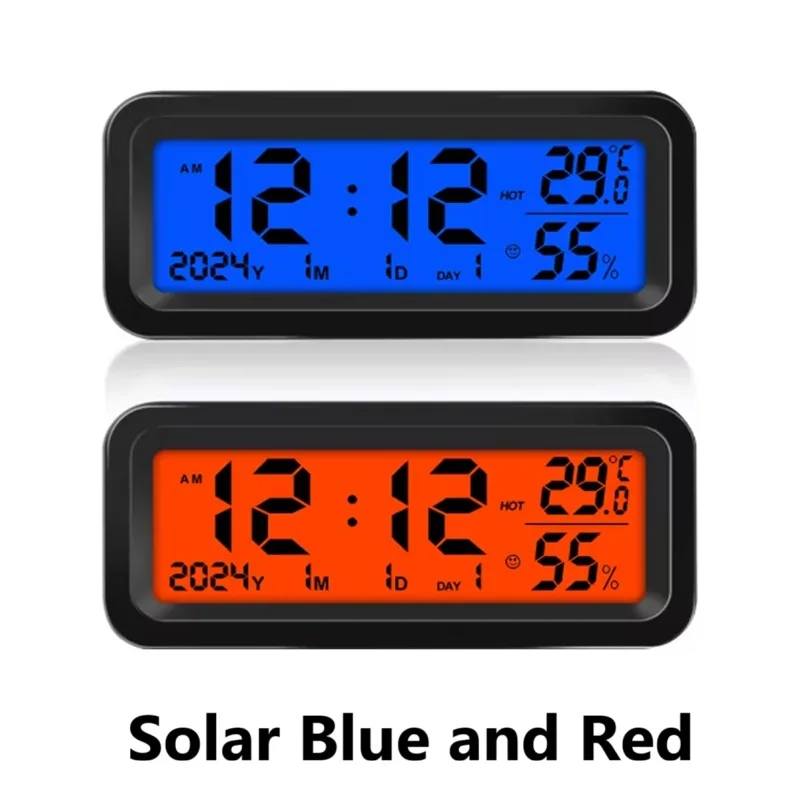
2. Slide the button on the back of the product again to change another backlight color. Blue light + green light / blue light + red light.
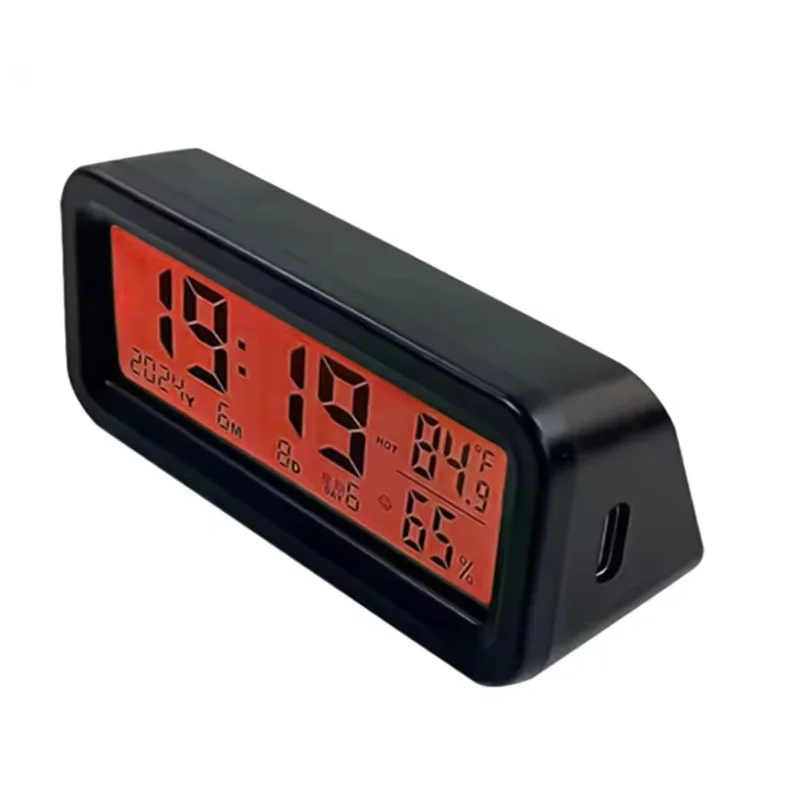
3. Insert the type-C socket on the side of the product to charge the product and keep the backlight on.
Time setting:
1. Press the UP/DOWN button to change between °C and °F.
2. Press the SET button for 3 seconds to enter the time setting mode, and then press the SET button to enter the setting: hour → minute → year → month → date → confirm
3. In the setting mode, press the up or down button to adjust the number up or down.
4. Press the SET button to change to 12/24 hour mode.
5. Press the O button to turn on the light for 5 seconds.
6. In a dark environment, when the car is driving, the backlight automatically turns on (only solar model). During the day or when the light is strong, the backlight automatically turns off.
7. According to the current status, the temperature will display the icons of hot (HOT), comfortable (smiling face) and cold (COOL), and the humidity will display the icons of dry (DRY), comfortable (smiling face) and wet (WET).
8. The product has a spare battery (it can be used as a spare when the product is not charging, you can choose not to use it)
Note:
1. Due to lighting effects and display angles, there may be color differences in the product.
2. Due to manual measurement, there may be errors in product size, please understand.
List:
Car Clock x 1
Couldn't load pickup availability
Low stock: 4 left
View full details