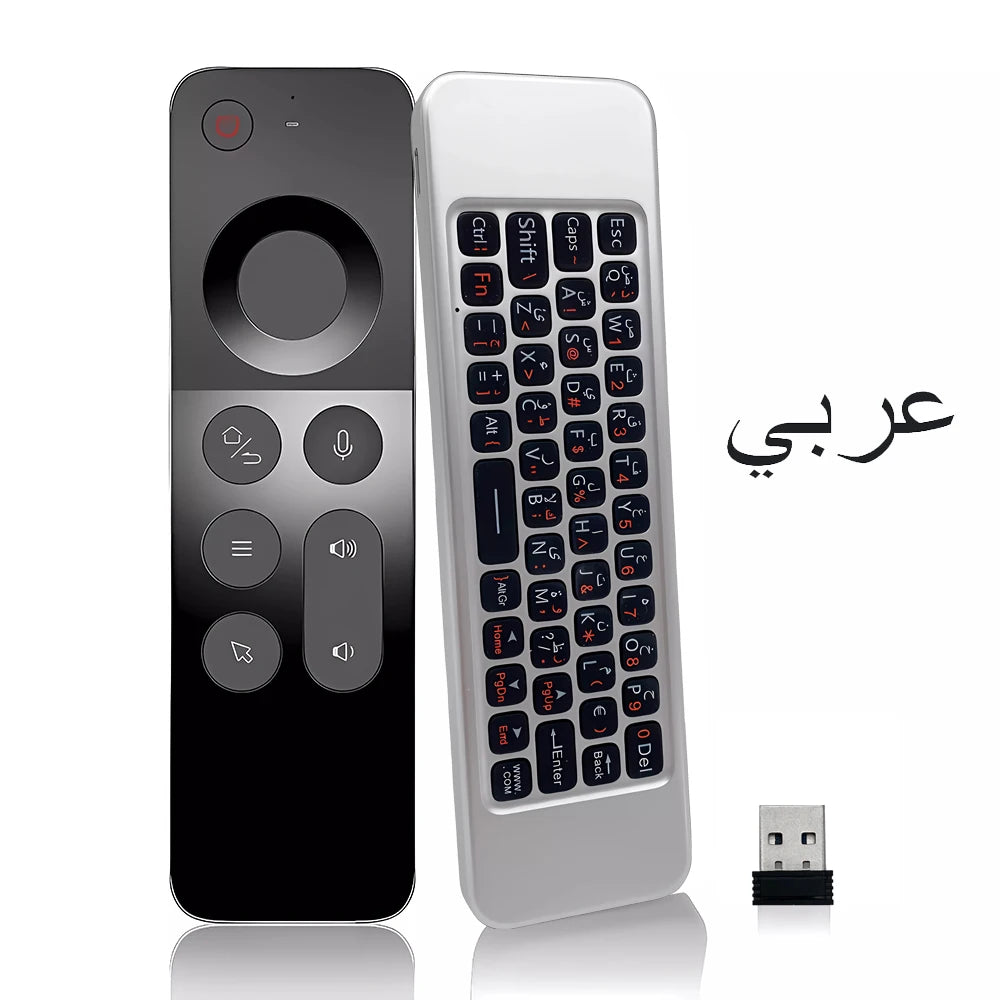
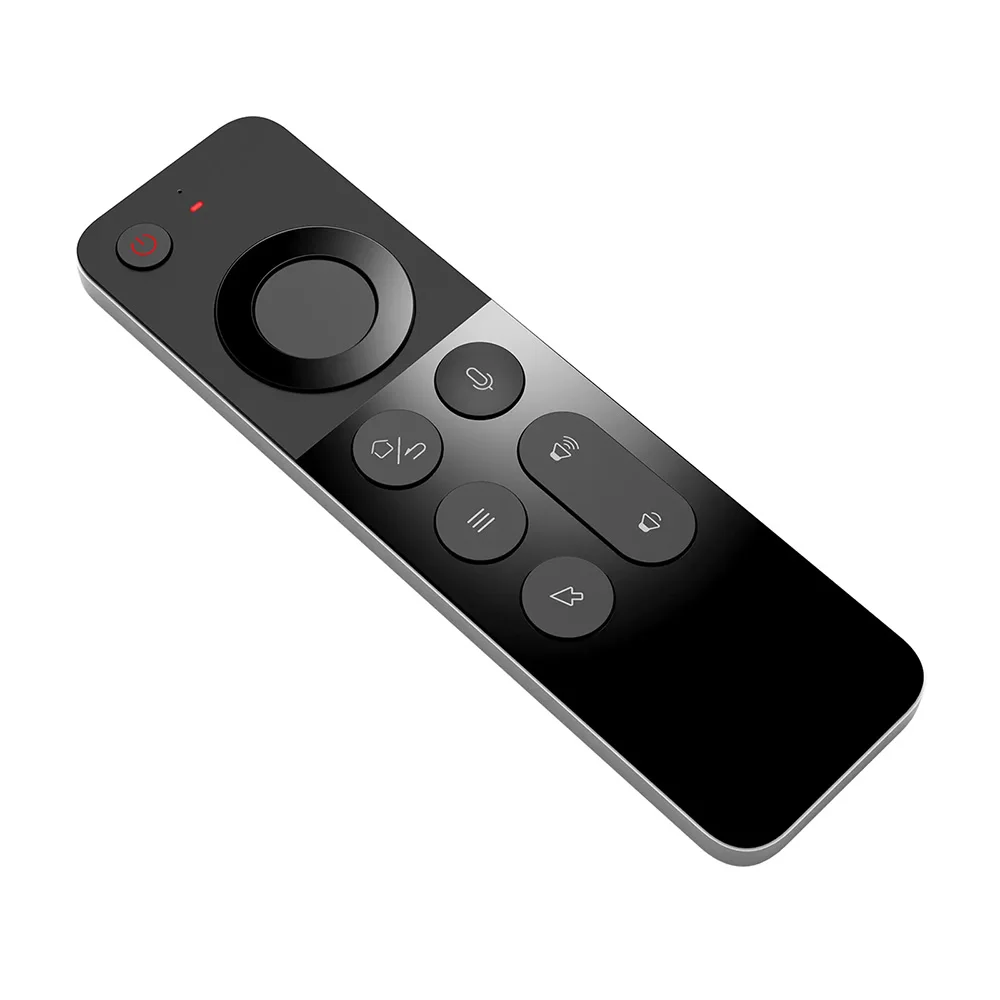
MRSVI Replacement Voice Air Mouse Remote Control W3 2.4G Dongle Handheld Portable Mini Wireless Keyboard for Android TV BOX,PC
MRSVI Replacement Voice Air Mouse Remote Control W3 2.4G Dongle Handheld Portable Mini Wireless Keyboard for Android TV BOX,PC
SPECIFICATIONS
Brand Name: MRSVI
Choice: yes
High-concerned chemical: None
Model Number: W3
Origin: Mainland China
Package: No
Use: Universal
Wireless Communication: RF
Main parameters:
Standby power consumption: 25ua
Wireless modulation mode: GFSK
Remote control distance: 8-12m
Modulation frequency: 2.4~2.4835ghz
Charging port: Micro USB
Working temperature: - 20 ℃~65℃
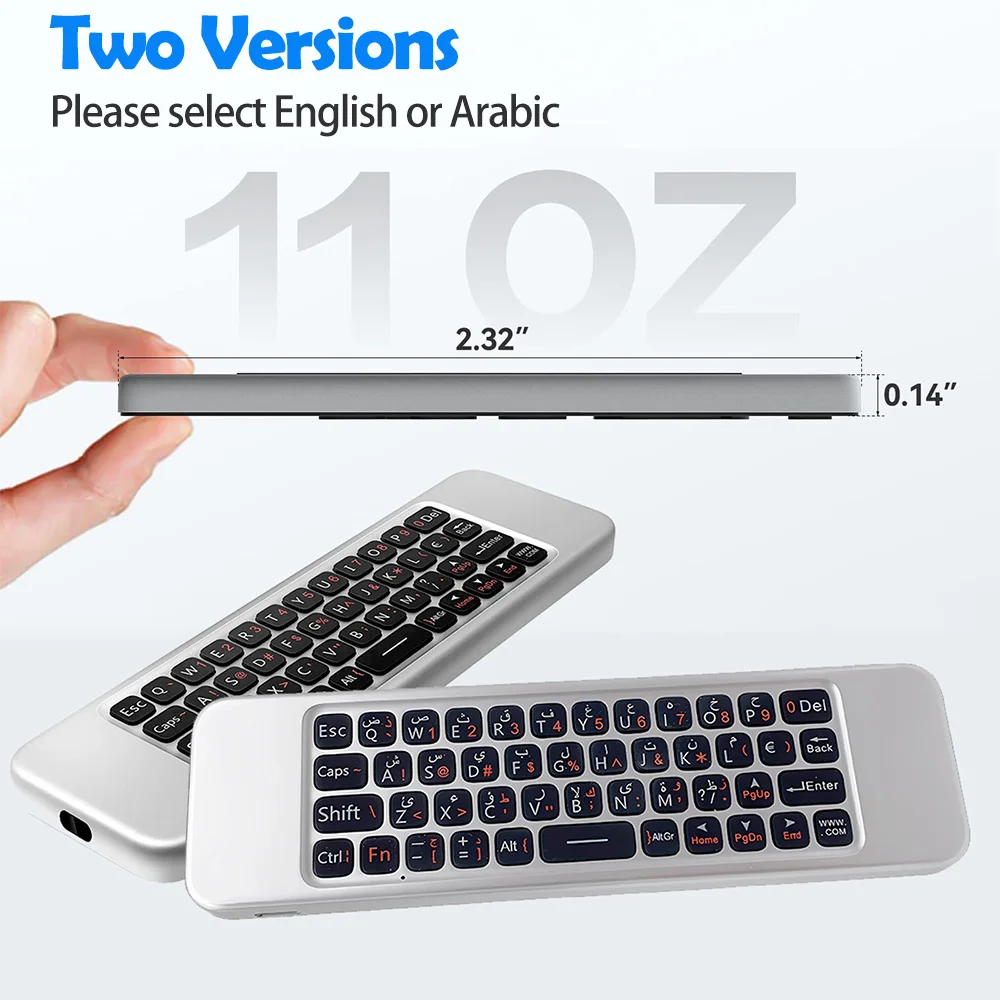
Overall dimension: 152*44* 9.8mm
Number of keys: 58
Battery type: 250mah / 3.7V lithium battery
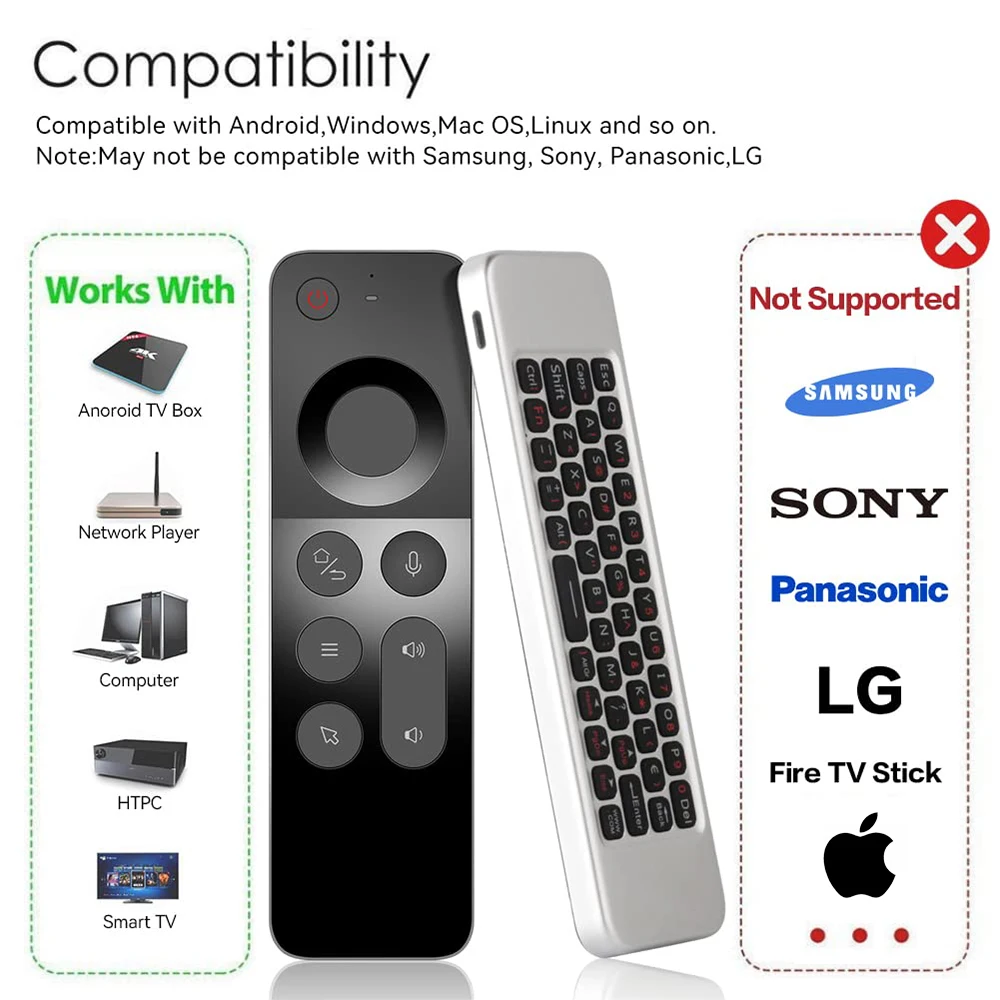
Support system: Android / Windows / OS / Linux
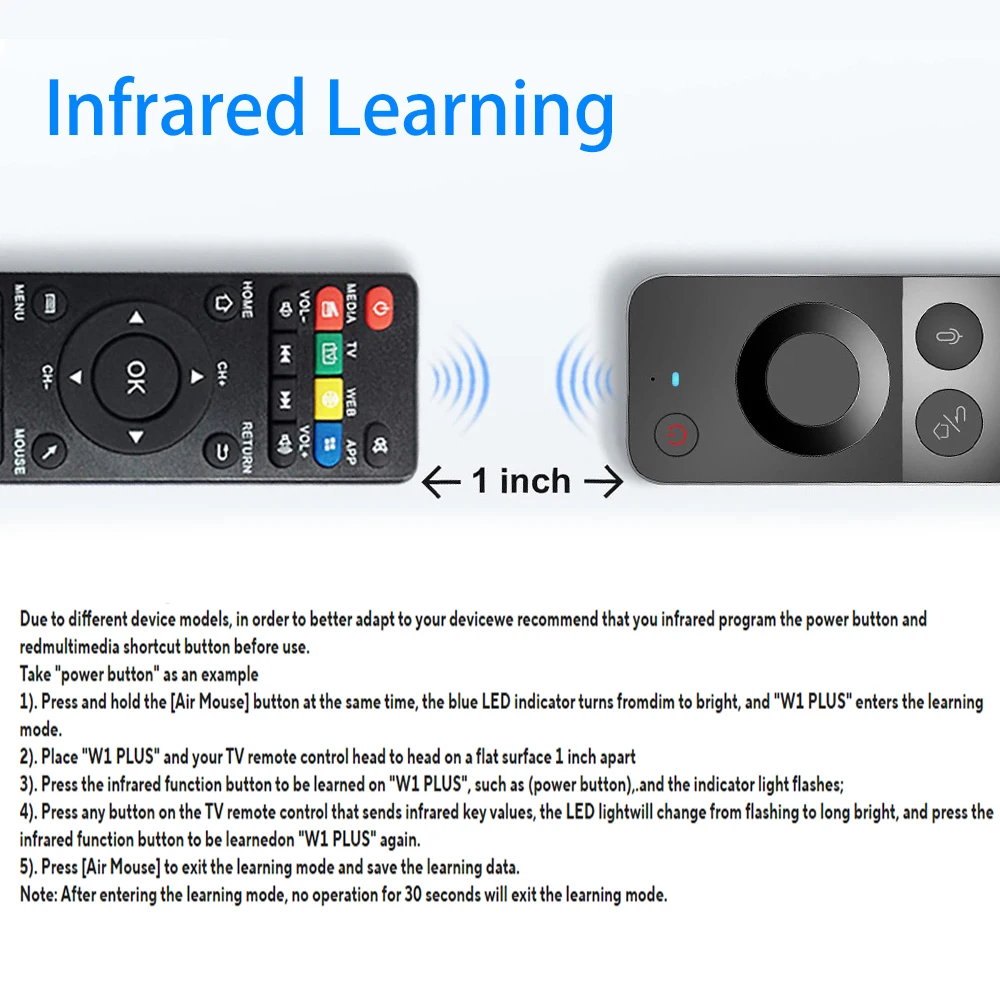
Except for voice keys and air mouse keys, everything else can be learne
Material:ABS Plastic
package include:
Remote*1
2.4G dongle*1
Manual*1
How to set Arabic language?
If you purchased the Arabic version, first, you need to set the language of your device to Arabic, then flash the newly connected device. Try to see if the Arabic language is output. If Arabic cannot be output, it is not supported. Note: This device currently only supports computers, not most TVs.
About Charging:
The product is a lithium battery rechargeable model. Since this product is not designed with a power switch, the product may run out of power after long-distance transportation or during use. Please use the Type-C charging port and a 5V2A fast charging head for charging. If your charger is not 2A, the charging time will be extended or it will not be able to charge!
(If you find that the device cannot be turned on, please keep charging (no matter how many days) until the red light flashes when you press a button)
Infrared Learning:
A.Press and hold the [OK] + [Power] button at the same time for around 3 seconds, the indicatorlight will change from dim to bright, then release both buttons.
B. Press the button need to "learn', the indicator light flashes, waiting for the machine learningsignal;
C. Place the original remote control at and the air mouse on the desk, head to head (the distancebetween them is about 10cm). Press the button you want to learn for about 3 seconds; after thelearning is successful, the indicator light flashes 3 times and will stay on. Repeat steps b-ccontinuously for multiple buttons learning process.
D. Press the [Air Mouse] button to exit the learning mode and save the learning data.
Please refer to the instruction manual for details.
Note:
1. Some buttons require infrared learning before they can be used. Please refer to the tutorial for specific operations.
2. This is a replacement remote control, which only supports Android smart boxes and PCs. It does not support brand TVs, such as Apple, Samsung, Xiaomi...
3. If some buttons cannot be used, the reason is that they are not perfectly compatible or have not been infrared learned. This is not a quality problem. Please consider whether your device can be used before purchasing.
4Since the device is connected via a 2.4G dongle, please confirm whether your device supports 2.4G dongle connection when purchasing!
5. The actual product may have errors with the picture.
6.If it is the Arabic version, please set your device language to Arabic!


Couldn't load pickup availability
Low stock: 10 left
View full details