Ottocast Play2video Pro AI Box Wireless Carplay Android Auto Adapter Netflix Dongle Video Playback 1080p Screen Mirror for Cars
Ottocast Play2video Pro AI Box Wireless Carplay Android Auto Adapter Netflix Dongle Video Playback 1080p Screen Mirror for Cars
SPECIFICATIONS
Brand: Ottocast
Brand Name: OTTOCAST
CarPlay Function: Wireless CarPlay with Video Playback
Choice: yes
Color: black
Compatible Car Brand: Audi, benz, and more
Connection Type: USB Plug & Play
High-concerned chemical: None
Model: Ottocast Play2Video Pro
Operating System: Android Multimedia System
Origin: Mainland China
Product Type: Playback CarPlay Adapter / Android CarPlay AI Box
Screen Mirroring: Phone Mirroring for Video Playback
Supported Apps: Netflix, YouTube, IPTV and More
Vehicle Compatibility: For Cars with Factory Wired CarPlay
Video Playback: Online Streaming & Local Video Playback
Wireless CarPlay with Video Playback: Wireless Android Auto Supported
Wireless Features: Wireless CarPlay & Wireless Android Auto
semi_Choice: yes

Compatibility Notes
Not compatible with China Mainland versions of Xiaomi, Huawei, and Honor phones
Not compatible with Tesla and BMW vehicles
Compatible only with vehicles that have factory-installed wired Apple CarPlay. Does not support cars with only wired Android Auto.
How to Check Car Compatibility
1️. iPhone → Plug into the car's USB port → If CarPlay appears, it’s supported.
If your car supports wired CarPlay, this adapter is compatible.


 OTTOCAST Play2Video Pro – Your All-in-One In-Car Entertainment & Navigation Hub
Experience seamless connectivity and endless entertainment with the Android 12-based OTTOCAST Play2Video Pro. This powerful hub brings wireless Apple CarPlay and wireless Android Auto to your car, transforming your drives into smarter, more enjoyable journeys.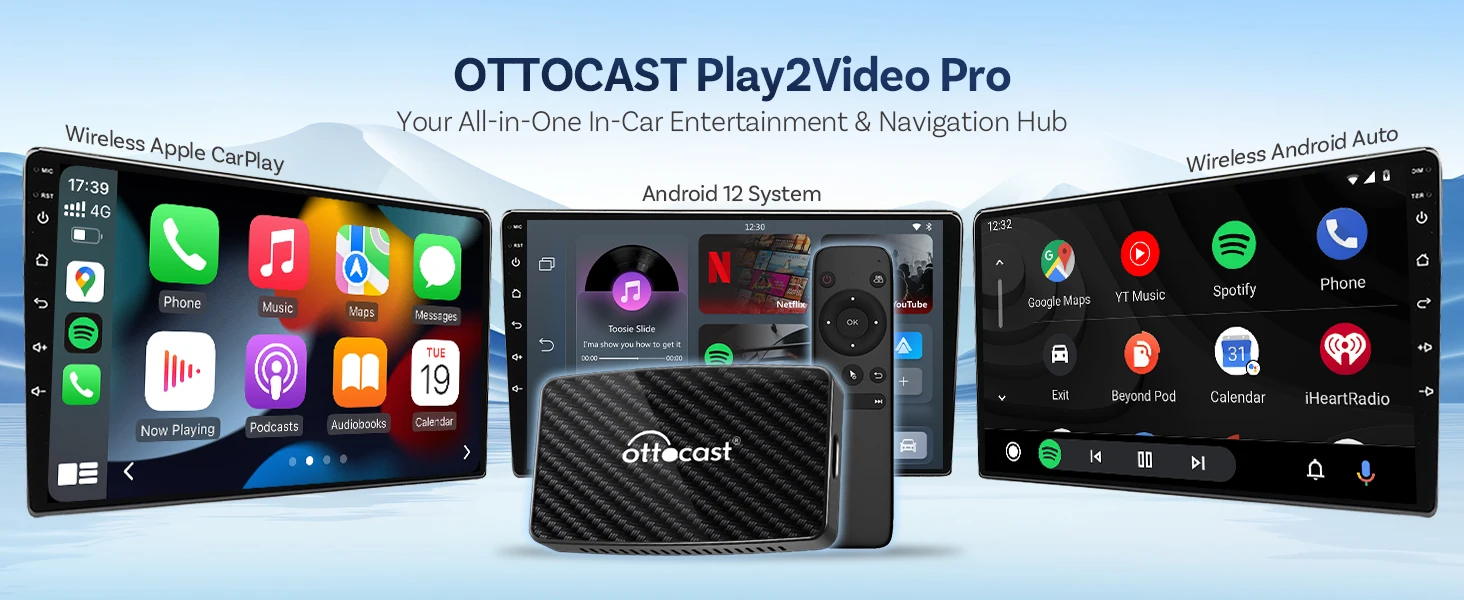
Transform Wired CarPlay into Wireless Freedom
Tired of tangled cables? Simply plug in the Play2Video Pro to upgrade your wired CarPlay to a sleek, clutter-free wireless experience. Enjoy a cleaner cabin and effortless connectivity every time you drive.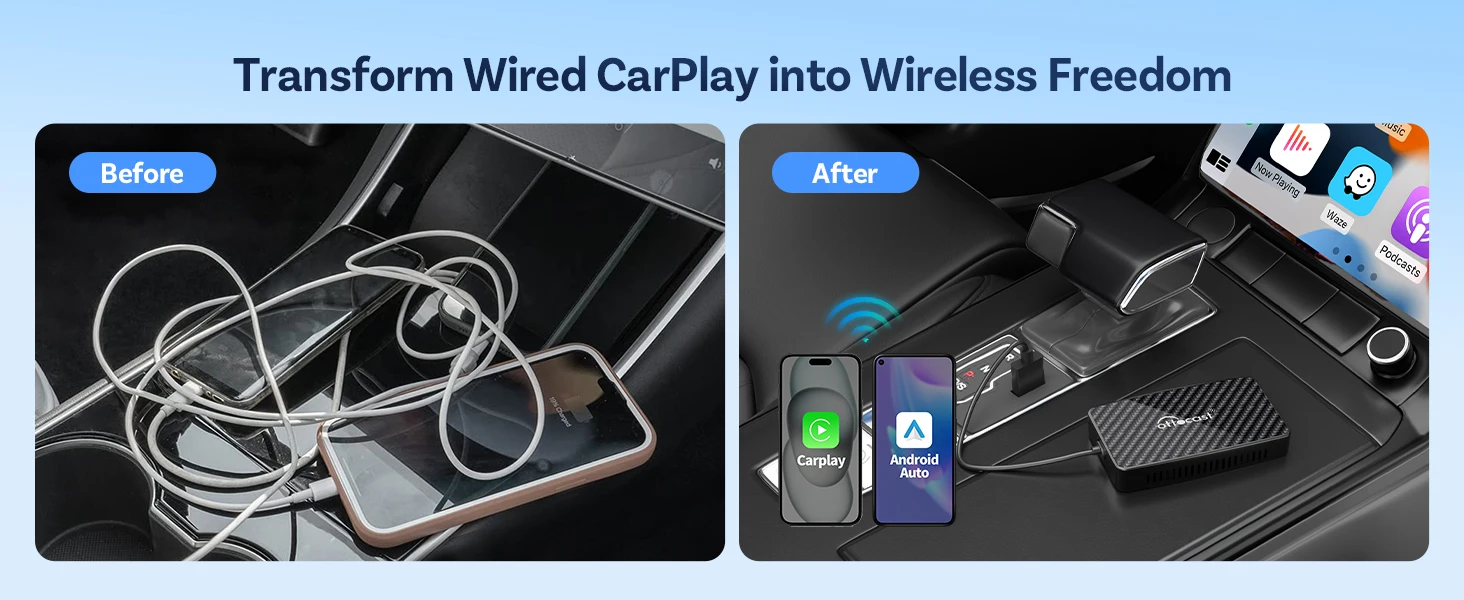
Powered for Speed & Performance
Engineered with a high-performance Allwinner H618 quad-core processor, Bluetooth 5.0, and dual-band Wi-Fi, the Play2Video Pro delivers smooth, responsive operation. With 2GB RAM and 16GB ROM, it handles multitasking and media playback with ease.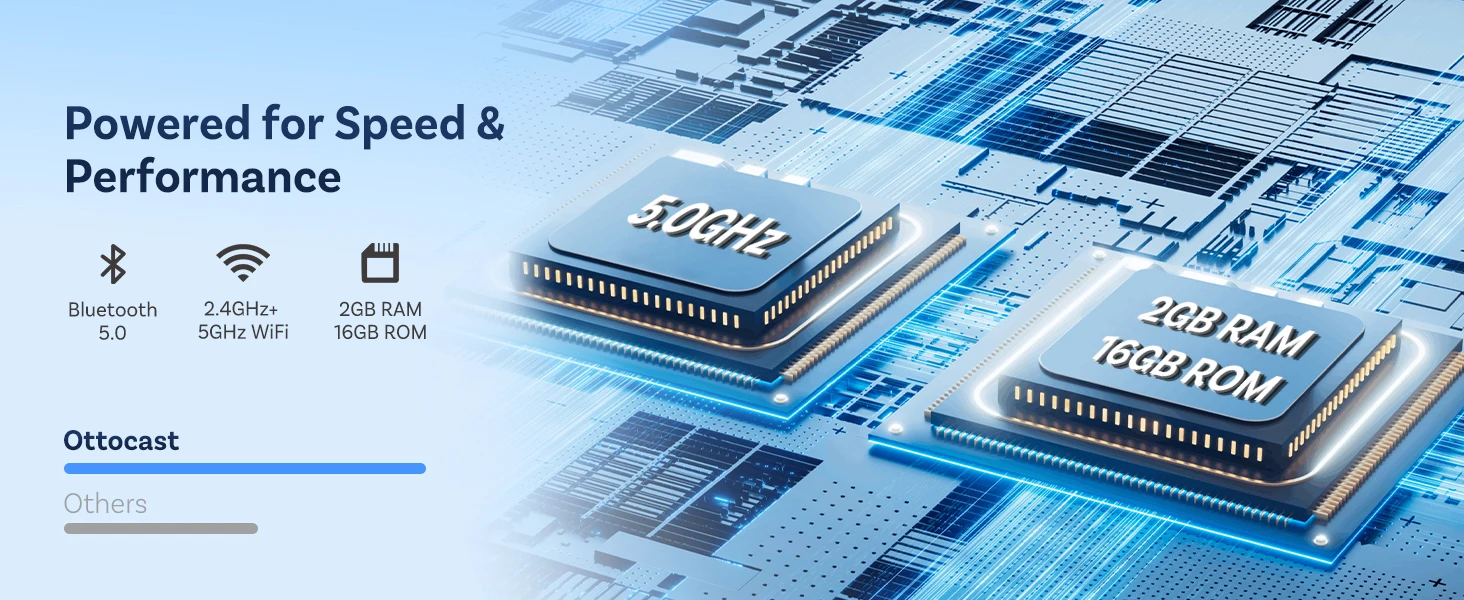
Stream Your Favorites Anywhere
Stay entertained on the go! Connect to your car’s Wi-Fi or a mobile hotspot to stream Netflix, YouTube, Prime Video, and more directly on your car display. Whether parked or on the road, your favorite content is always within reach.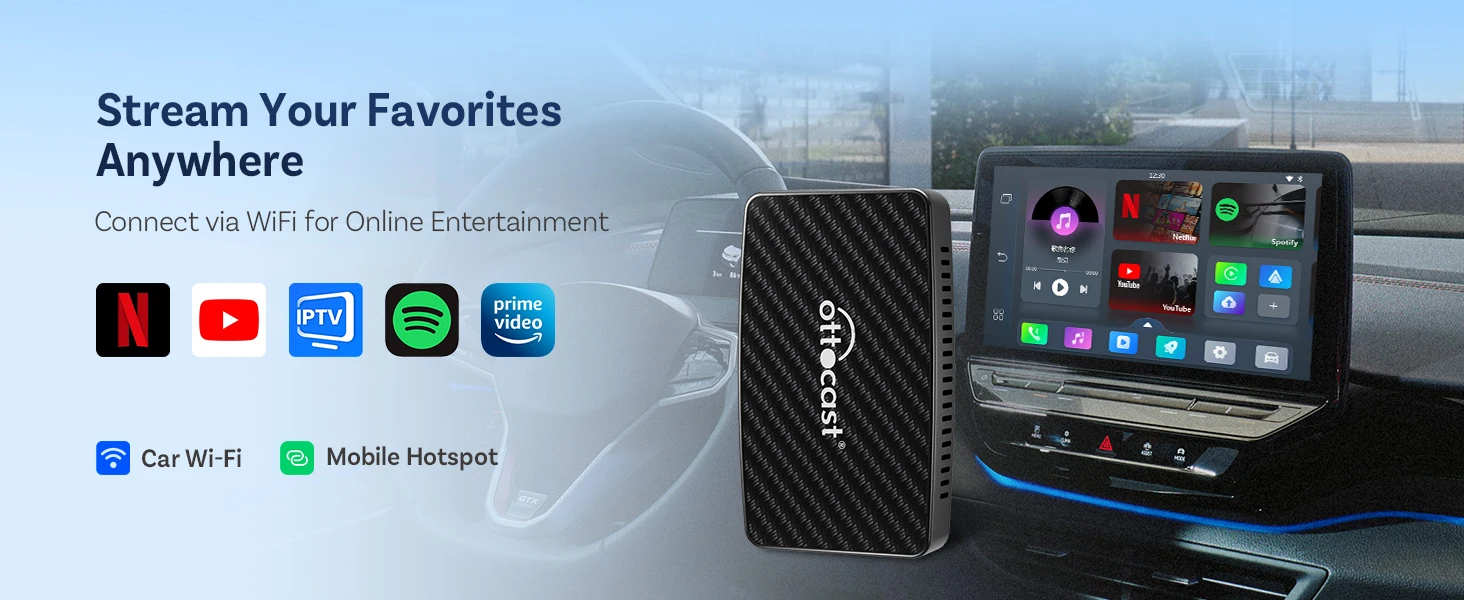
Enjoy Offline Entertainment via USB Flash Drive
Prefer your own media? Insert a USB flash drive (up to 128GB) to play music, videos, and photos directly through the system. Perfect for road trips and areas with limited connectivity.
*USB flash drive not included.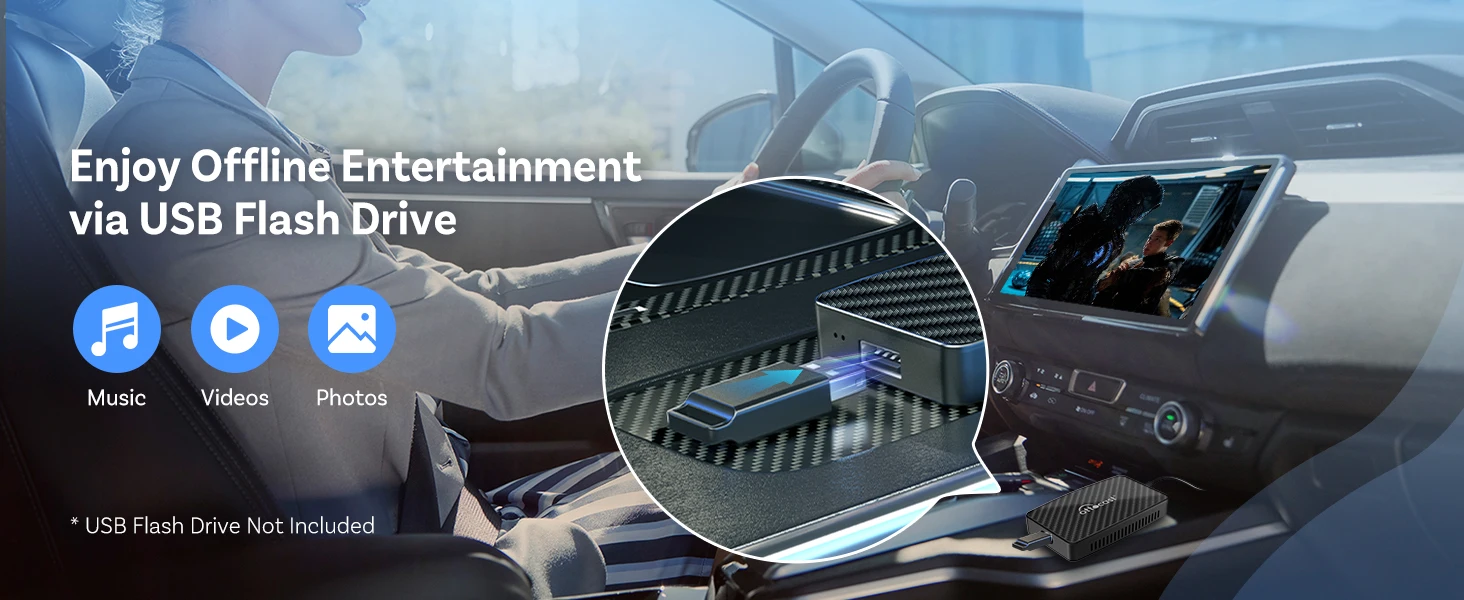
Fully Compatible with Factory Controls
Keep it original. The Play2Video Pro works seamlessly with your car's built-in touchscreen, steering wheel buttons, and control knobs—so you can stay focused on the road while accessing all features intuitively.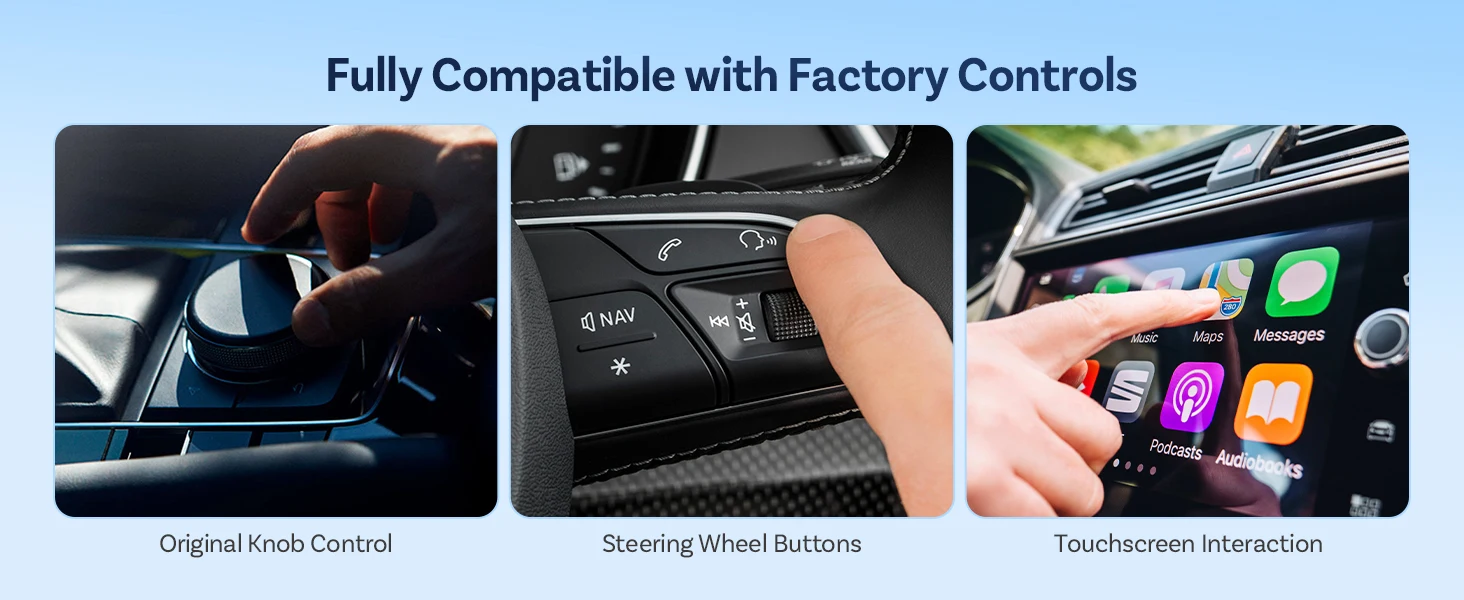
Drive Safer with Voice Commands
Keep your hands on the wheel and your eyes on the road. Use voice commands to activate Siri or Google Assistant for navigation, calls, messages, and music—all without touching your phone or the screen.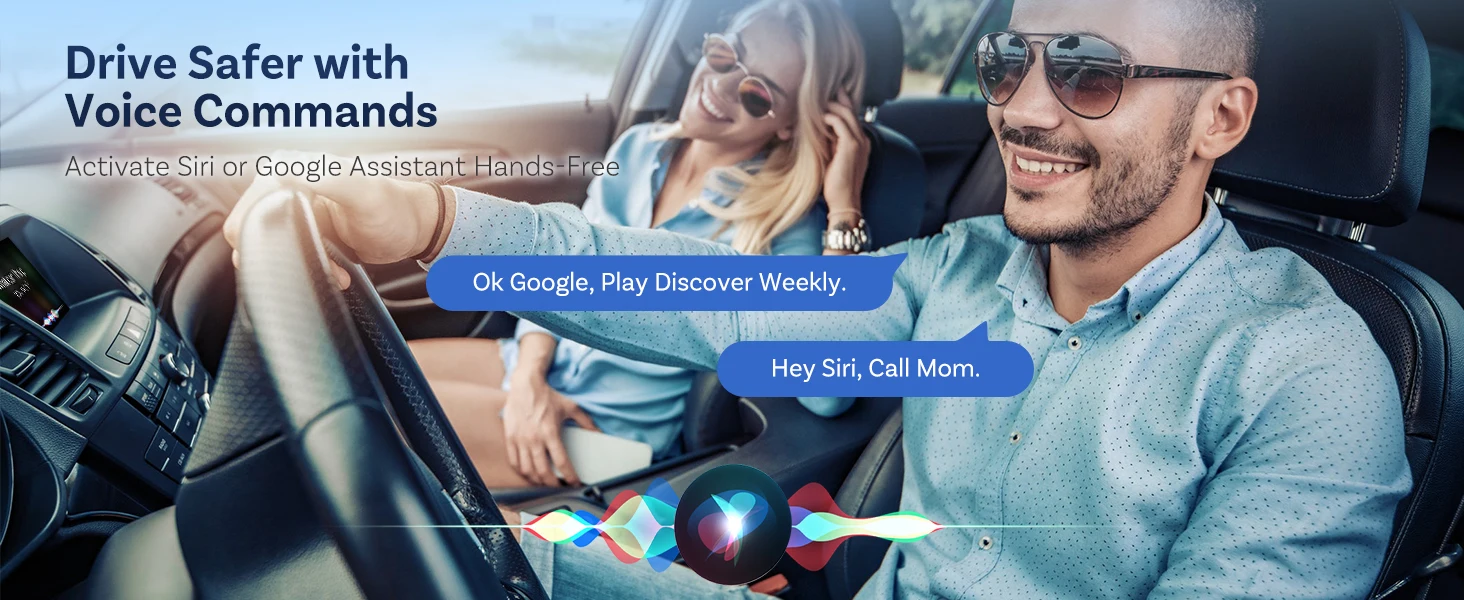
Enhanced Control with Wireless Remote (Sold Separately)
For ultimate convenience, optionally add the wireless remote. It allows easy navigation from the driver’s seat or back seat, and is perfect for vehicles without a touchscreen.
*The remote is not part of the base package and must be purchased separately.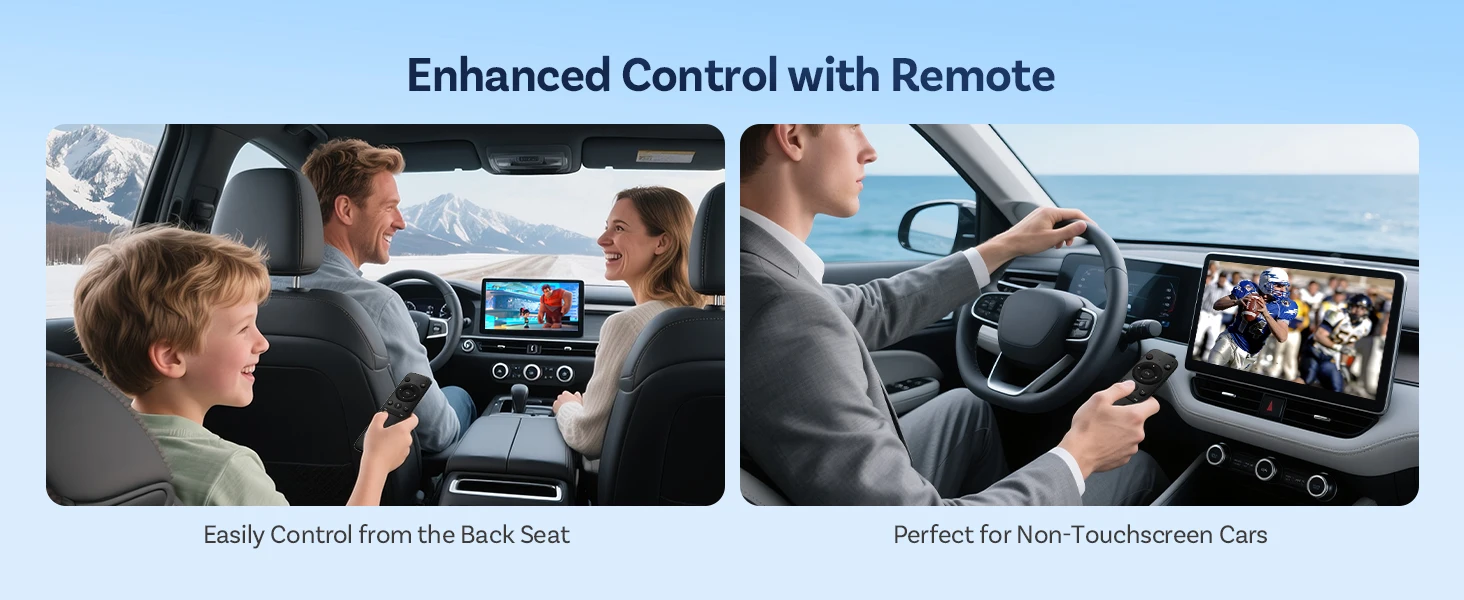
Simple Connection Steps
Getting started is effortless:
1. Connect the Play2Video Pro to your car’s data-enabled USB port.
2. The device boots automatically into Android 12.
3. Tap the CarPlay or Android Auto icon on the screen.
4. Pair with “Play2Video Pro-XXXX” via your phone’s Bluetooth.
You’re ready to go!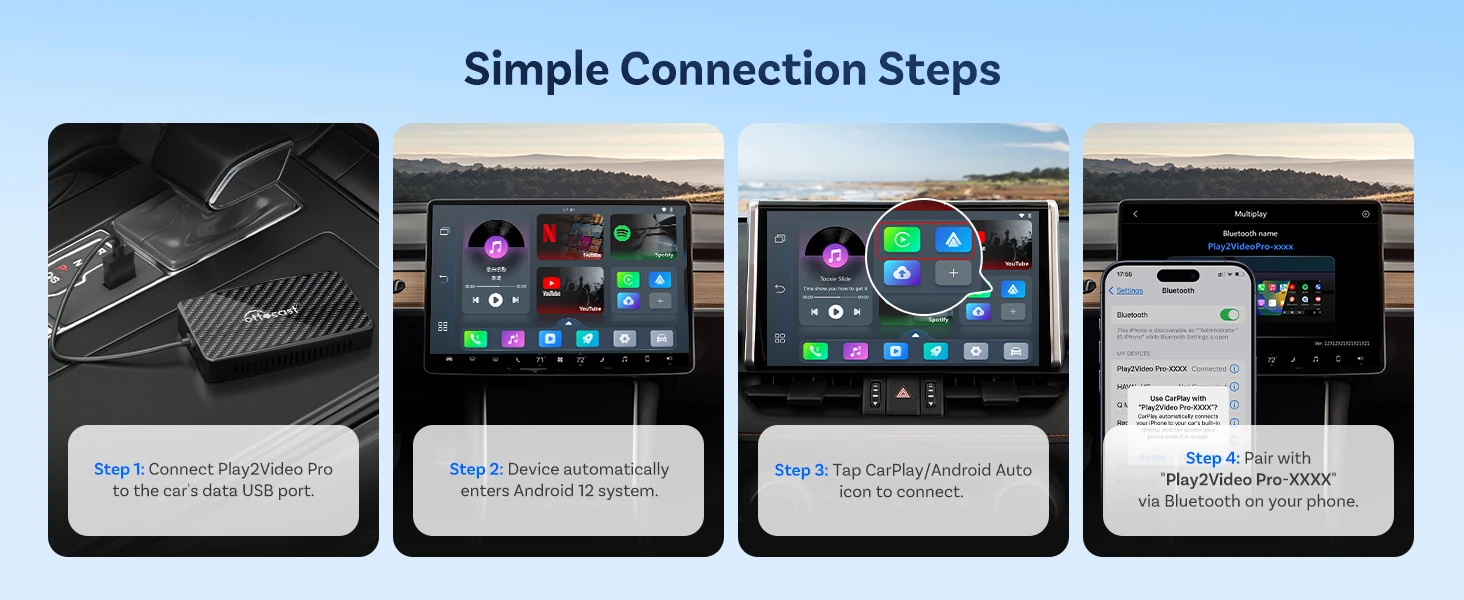
Remote Pairing Steps (For Separately Purchased Remote)
To pair the wireless remote (sold separately):
1. Ensure the Play2Video Pro is connected and powered on.
2. Press and hold the OK + Back buttons on the remote to enter pairing mode.
3. On the device, go to Bluetooth settings and select “G20BTS.”
4. Once connected, the remote is ready to use.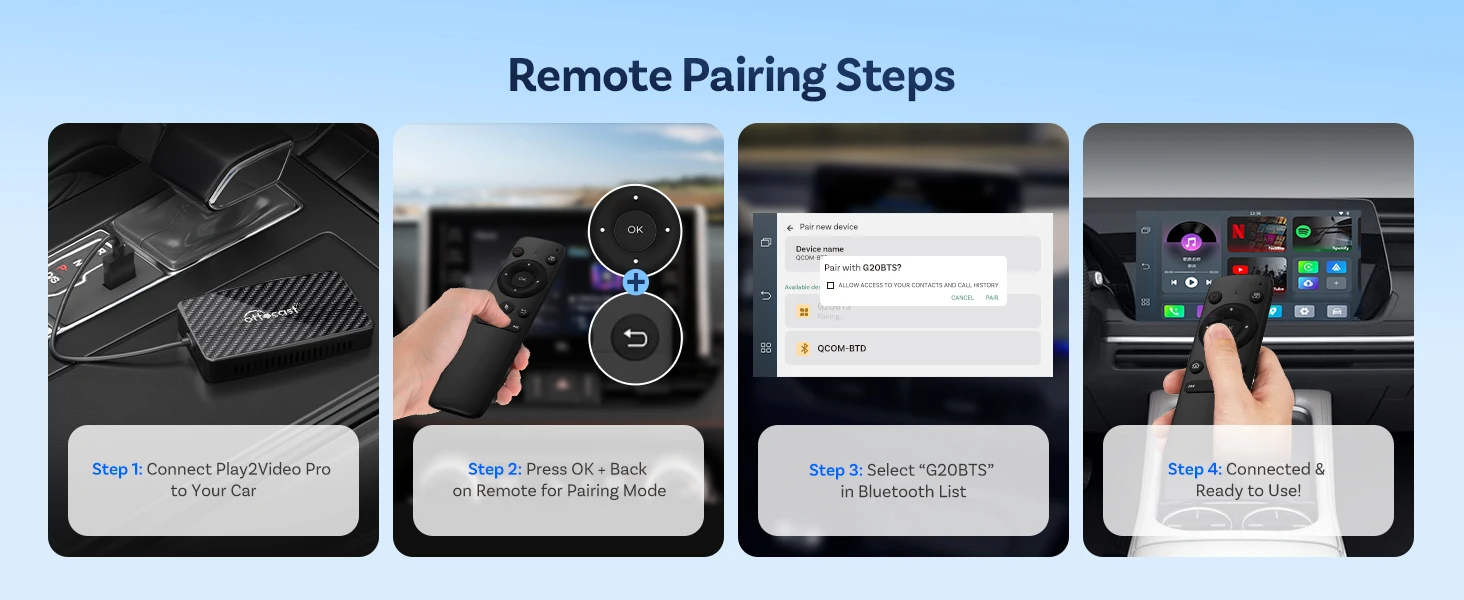
Your Connection Blueprint
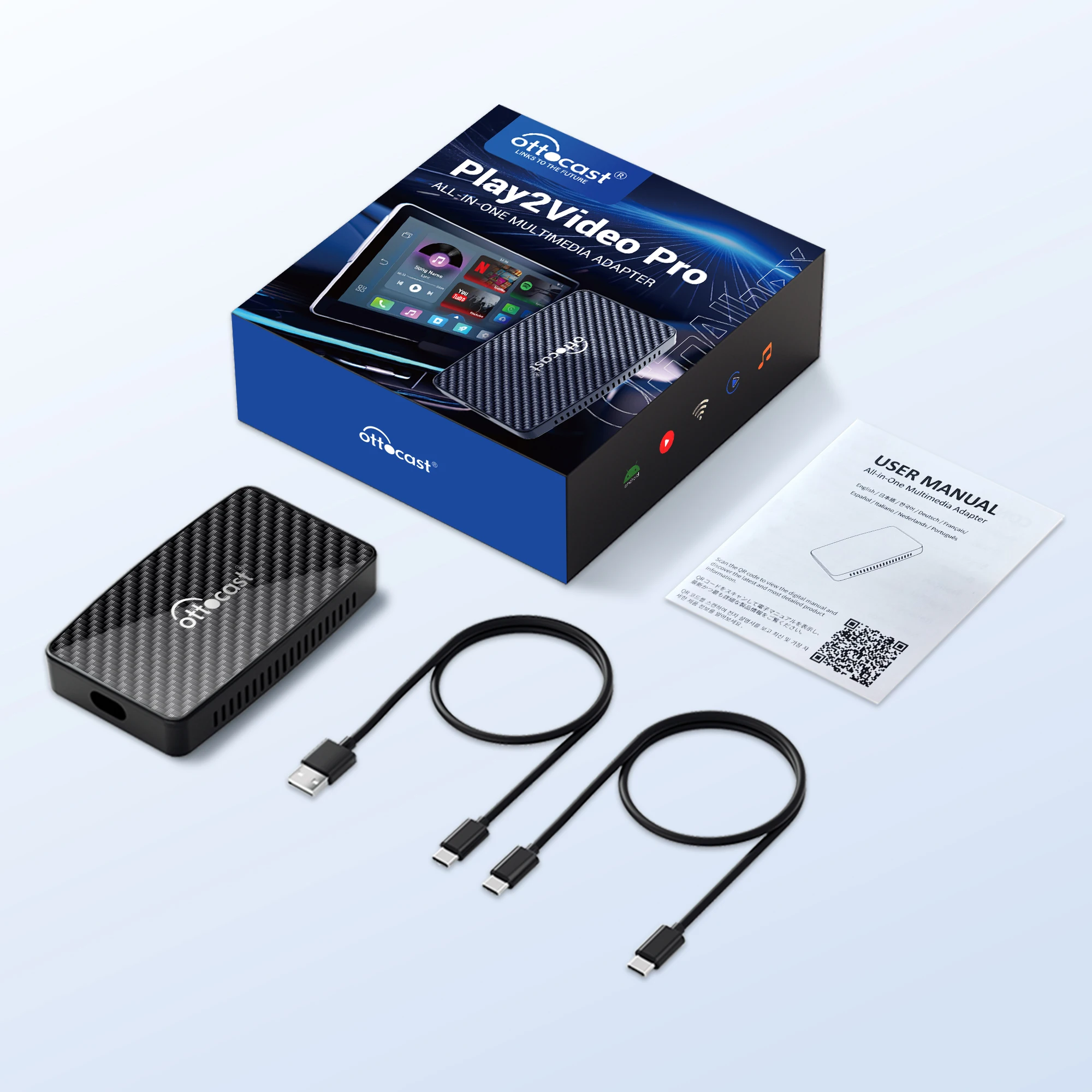
For vehicles with lower USB power output, use the included Y-cable to draw extra power from the cigarette lighter. This ensures a stable connection, prevents disconnections, and delivers optimal performance.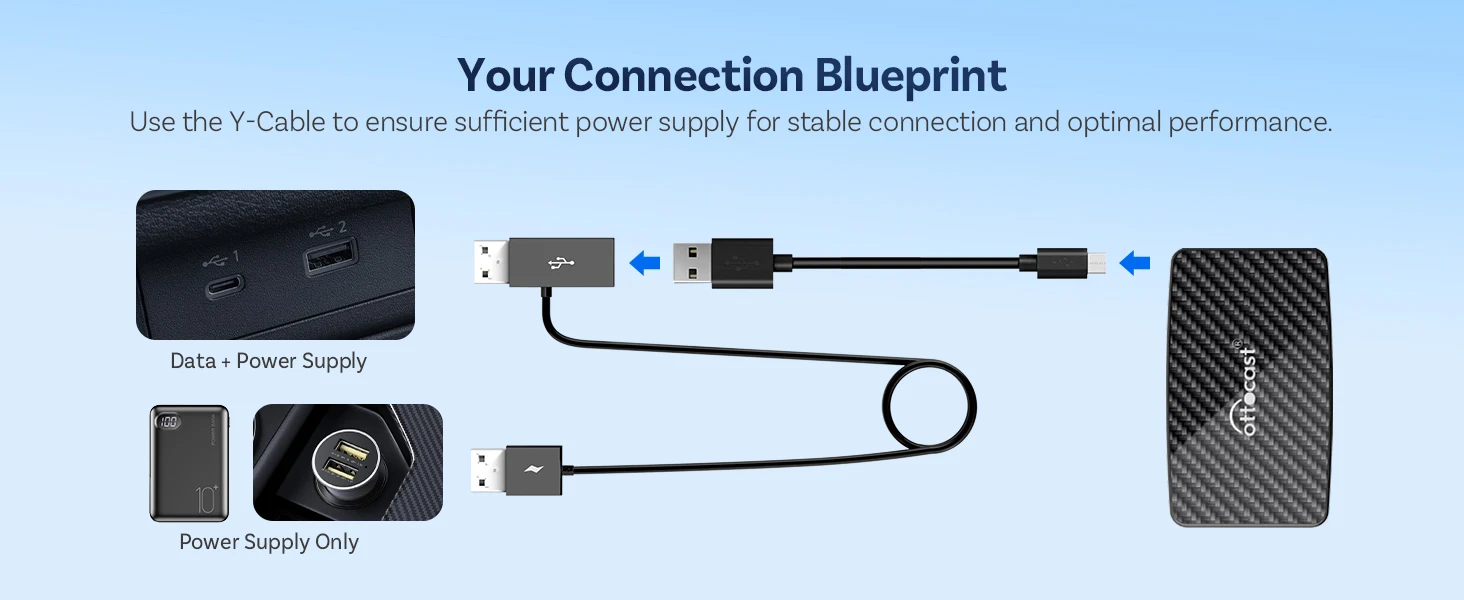
Works with Cars Supporting Wired CarPlay
Designed for vehicles equipped with factory wired Apple CarPlay.
Please note: Not compatible with BMW or Tesla models.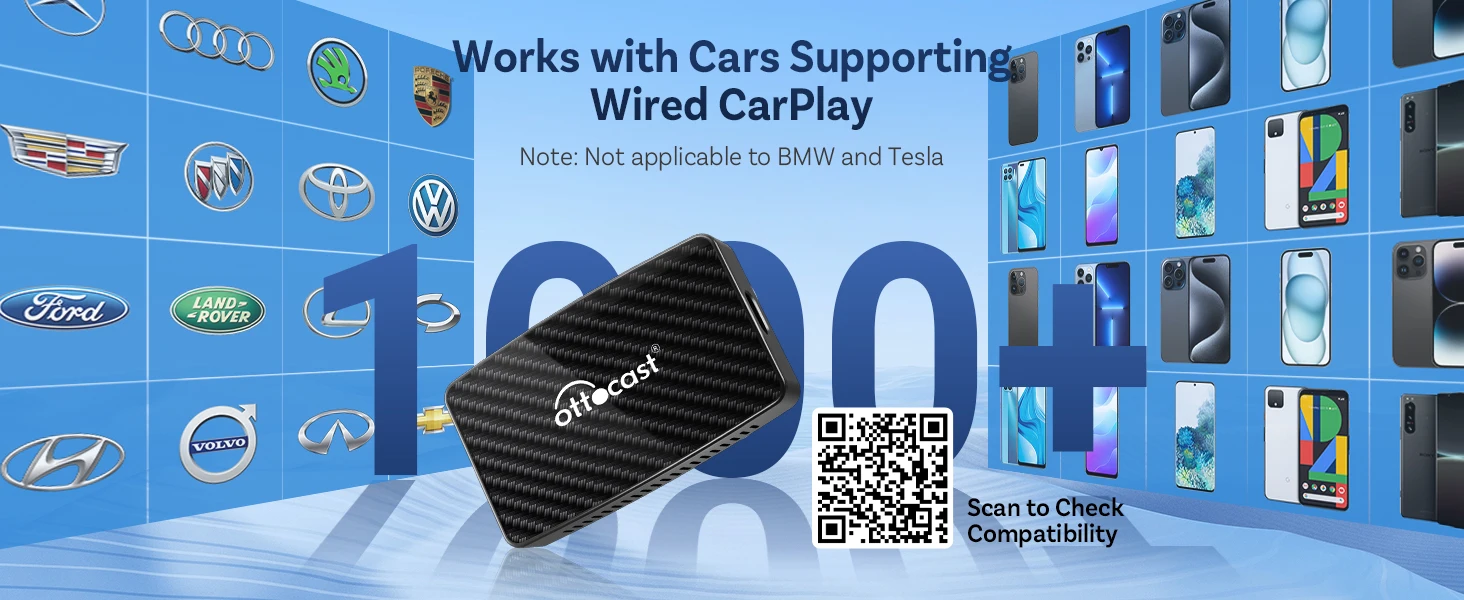
Important Notes
1. Compatible only with vehicles that have factory-installed wired Apple CarPlay. Does not support cars with only wired Android Auto.
2. Split-screen functionality is not supported.
3. Screen mirroring function is not available.
4. Downloading additional apps is not supported.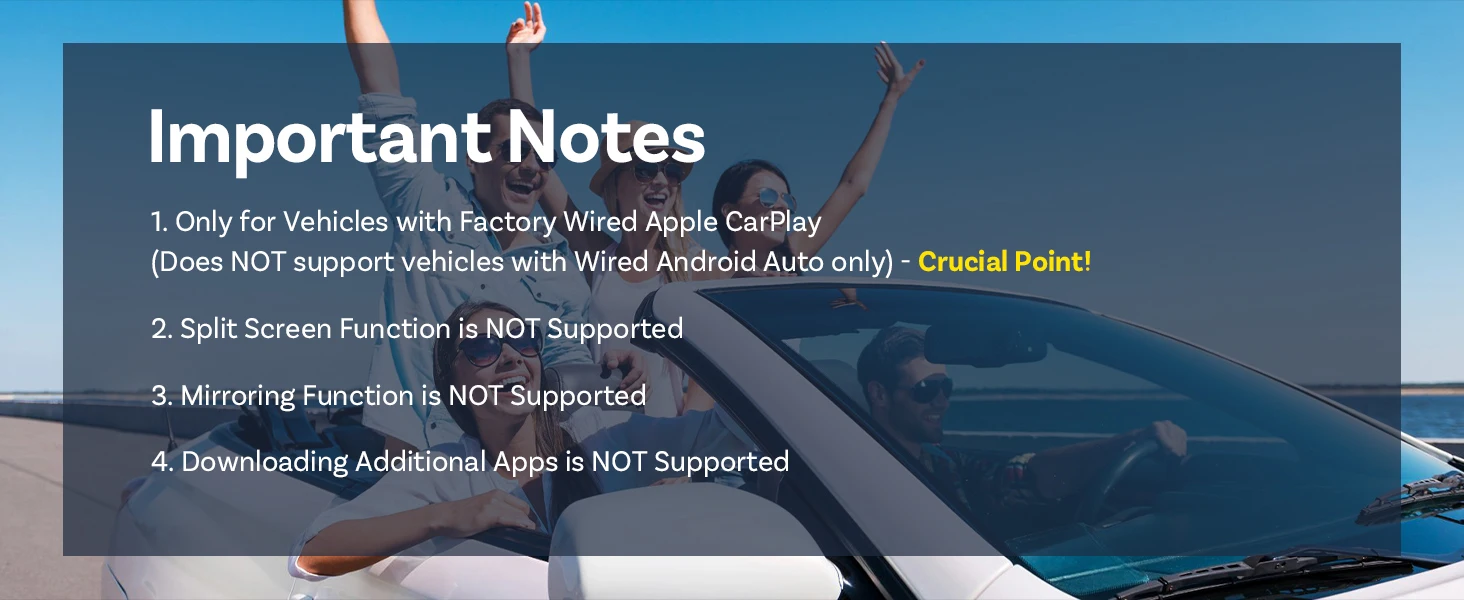
Our Commitment to You
We stand behind our products with reliable support and continuous improvement. Benefit from online firmware updates, premium customer assistance, and a commitment to enhancing your in-car experience over time.
 Universal Compatibility for Maximum Convenience
Enables Wireless CarPlay for iPhone (Requires iOS 10 or later).
Enables Wireless Android Auto for Android phones (Requires Android 11 or later).
Engineered to work with 98% of car models—transforming your vehicle into a smart hub almost instantly.



Couldn't load pickup availability
148 in stock
View full details