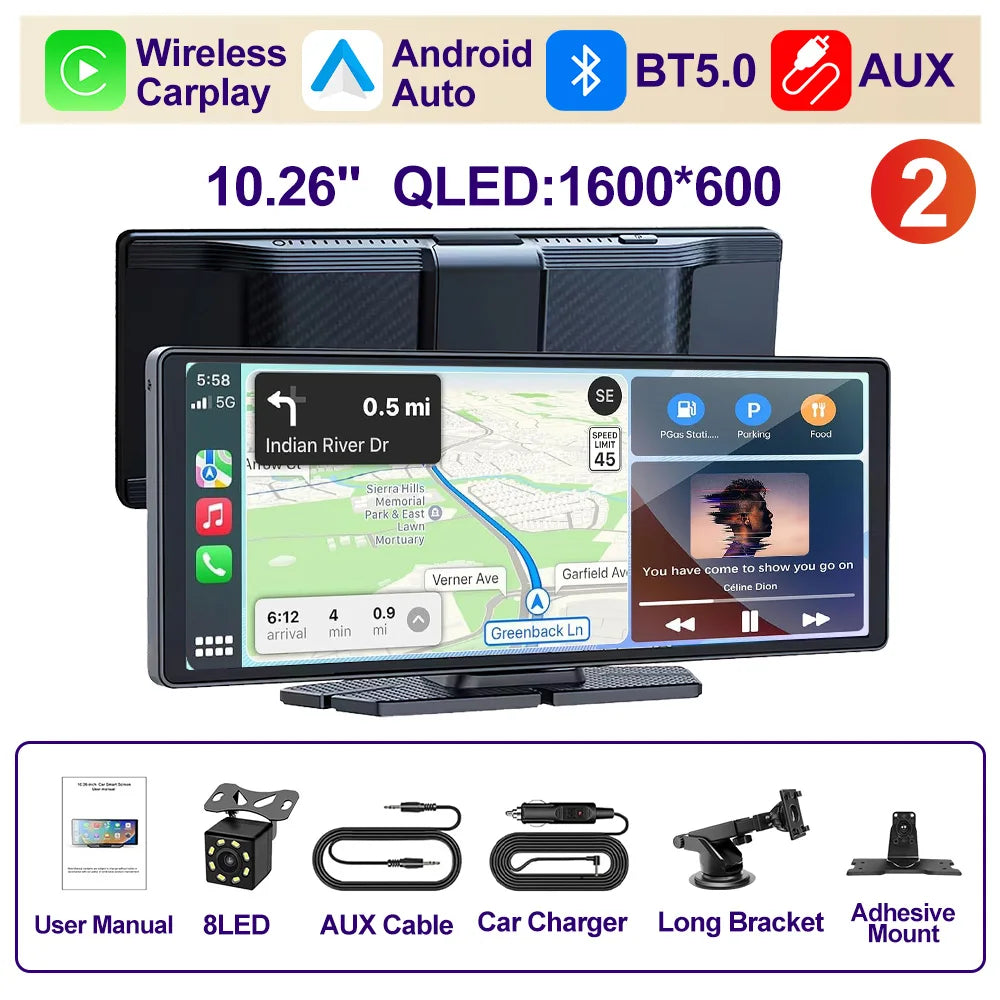
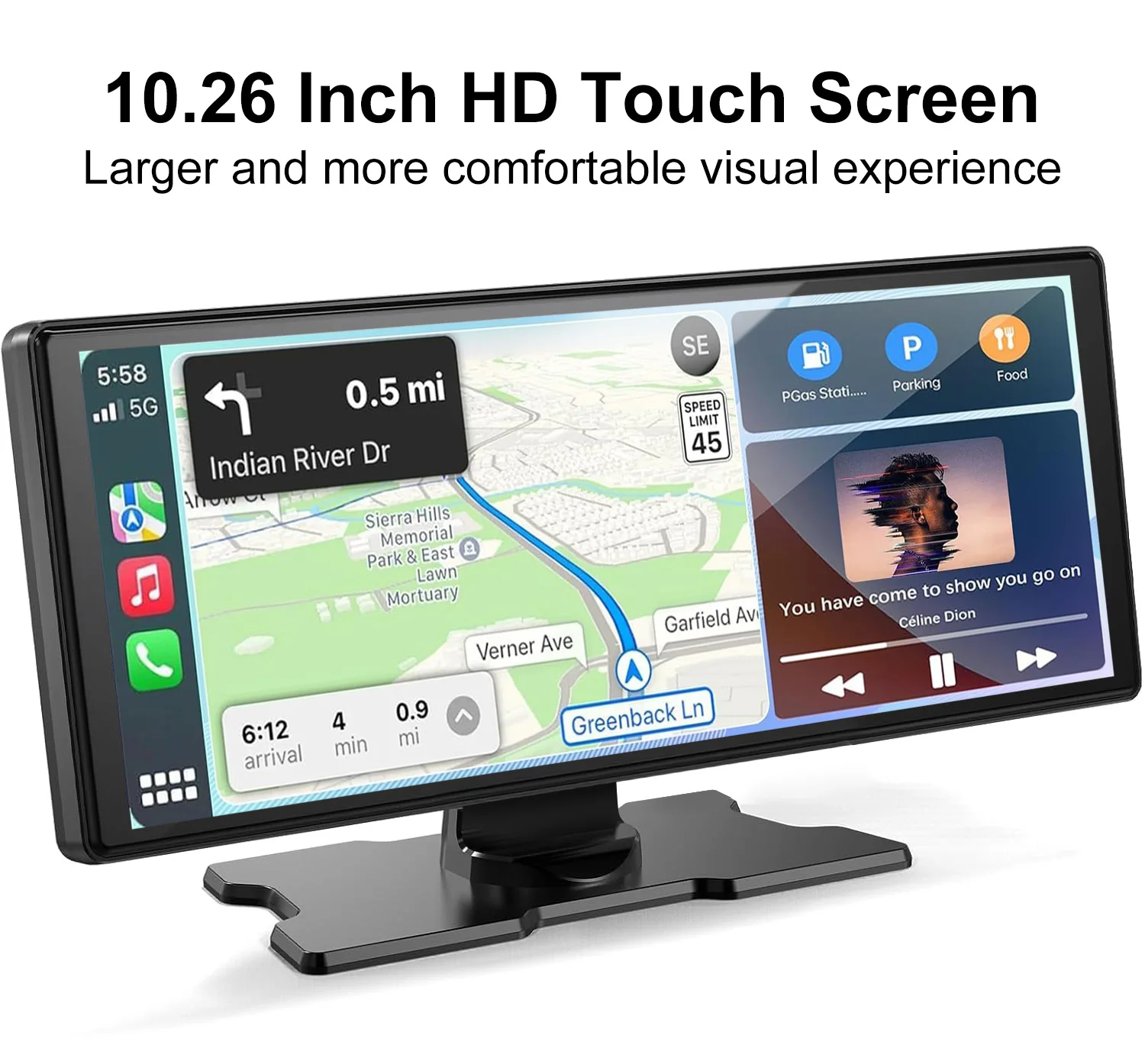
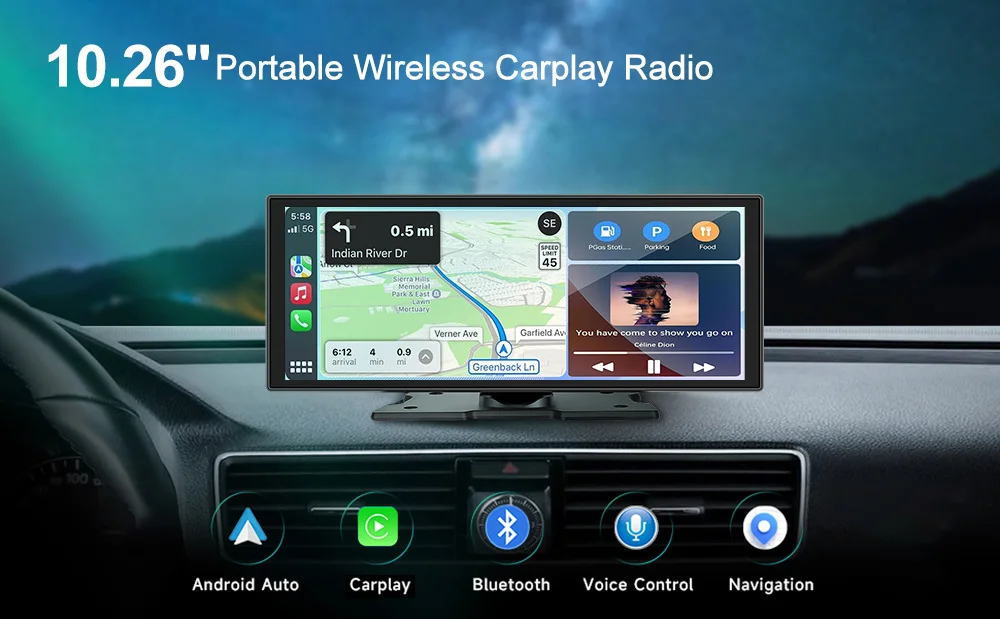
XIMA X10Plus Portable Wireless CarPlay and Android Auto Car Radio Multimedia Stereo Audio GPS Navigation Dashboard Mirrorlink
XIMA X10Plus Portable Wireless CarPlay and Android Auto Car Radio Multimedia Stereo Audio GPS Navigation Dashboard Mirrorlink
SPECIFICATIONS
Brand Name: XIMA
Built-in DVD Player: No
Built-in Screen: Yes
Certification: CE
Choice: yes
Digital Media Format: CD
Din: Double Din
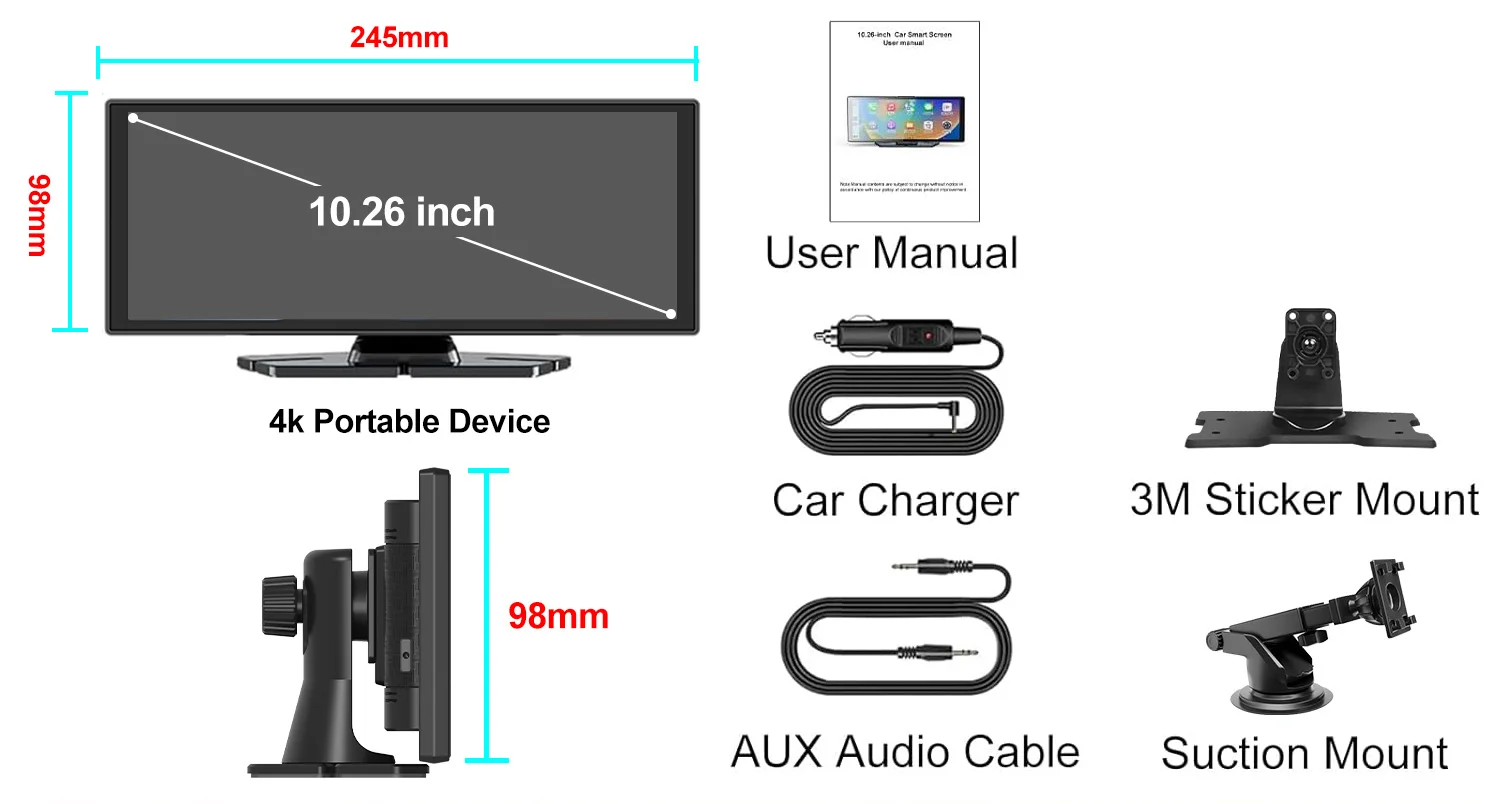
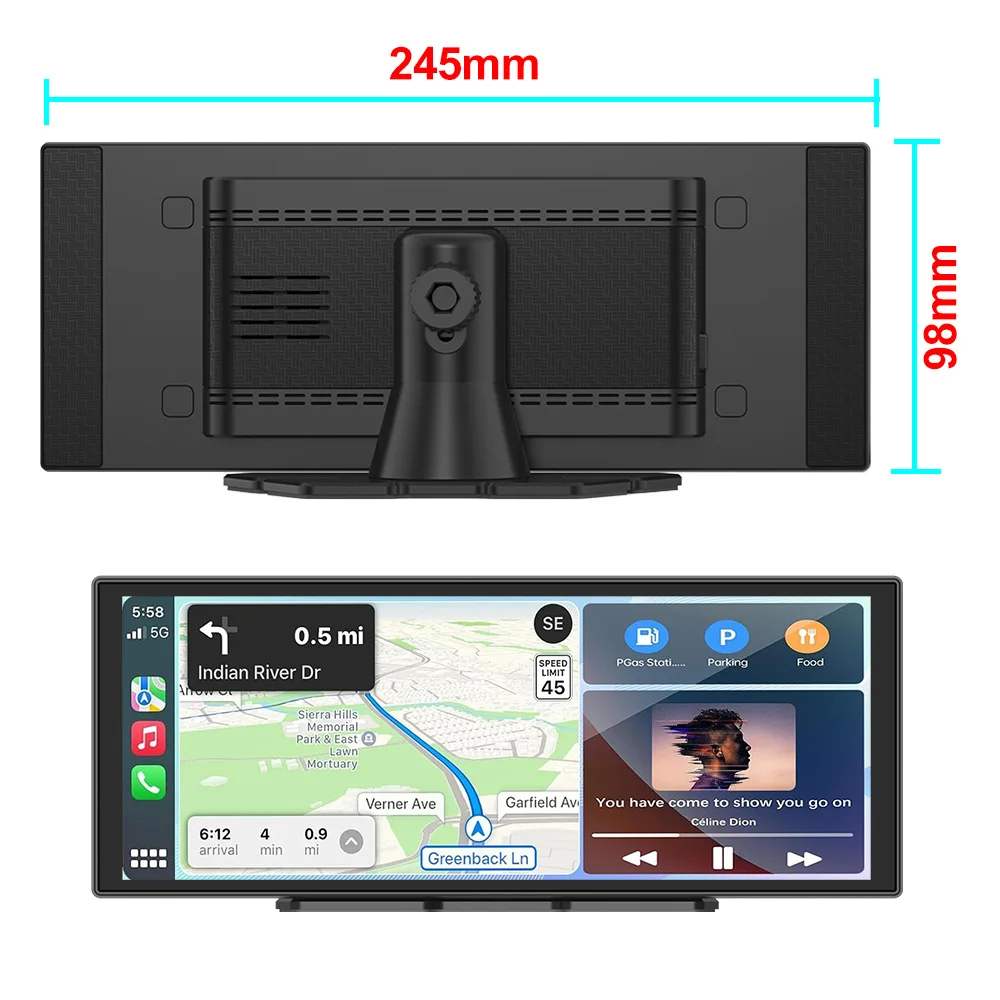
Display Size: 10.25
For Vehicle Brands/Model: Universal
High-concerned chemical: None
Is touch screen: Yes
Item Weight: 1
OSD Language: Chinese (Simplified),Chinese (Traditional),albanian,Arabic,Azeri,Irish,ESTONIAN,Belarusian,Bulgarian,Icelandic,Polish,PERSIAN,Boolean text (Dutch South Africa),Danish,German,Russian,French,Filipino,Finnish,Georgian,Haitian Creole,Korean,Dutch,Galicia,Catalan,czech,Croatian,Latin,Latvian,Lithuanian,Romanian,Maltese,Malay,Macedonian,Norwegian,Portuguese,Japanese,Swedish,Serbian,Slovak,Slovenian,Swahili,THAI,Turkish,Welsh,Ukrainian,Hebrew,Greek,Spain's Basque,Spanish,hungarian,Armenian,Italian,Yiddish,hindi,Urdu India,indonesia,English,Vietnamese
Operating System: Linux
Origin: Mainland China
Out Power: 50*4
Output Type: Colored
RAM: 6G
Resolution: 1600*600
Special Features: Built-In Speaker/Microphone,MP3 players,CarPlay,android auto,Reversing Input
Voltage: 12 V
Warranty: 1year
type2: carplay
About the brand
> About us XIMA
1. We are the official gold store; Trustworthy.
2. We have a professional technical team to provide free technical services.
3. All products have passed strict quality tests before leaving the factory to ensure high quality.
4. Before ordering, the buyer can leave a message to Customer Service and confirm whether the frame or cable is suitable. Make sure no buyer is wasting time providing customers with the best shopping experience.
5. If you encounter any questions after purchasing, please contact us, we will reply quickly, we are a professional and responsible factory, please feel free to buy.
Product Description
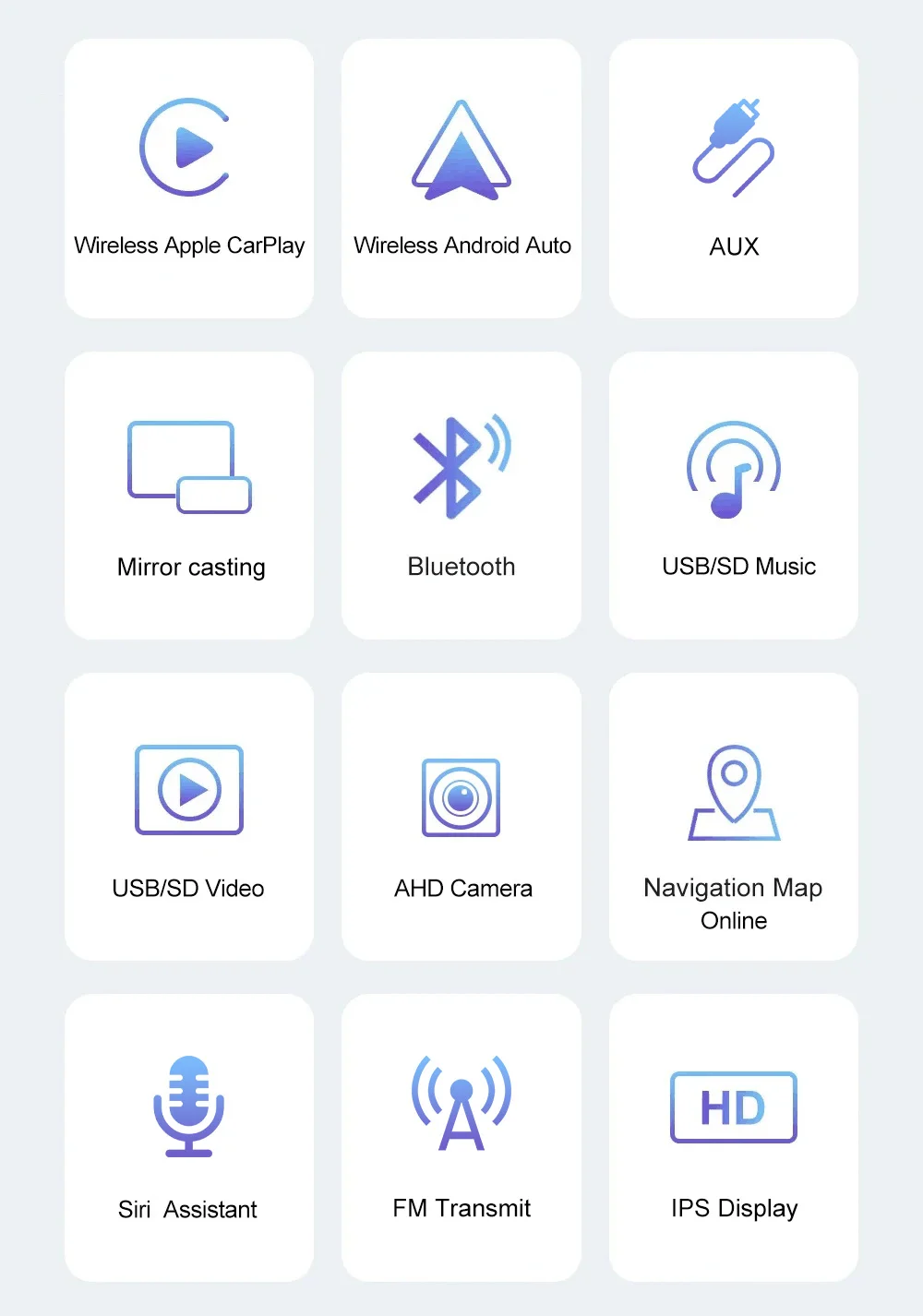
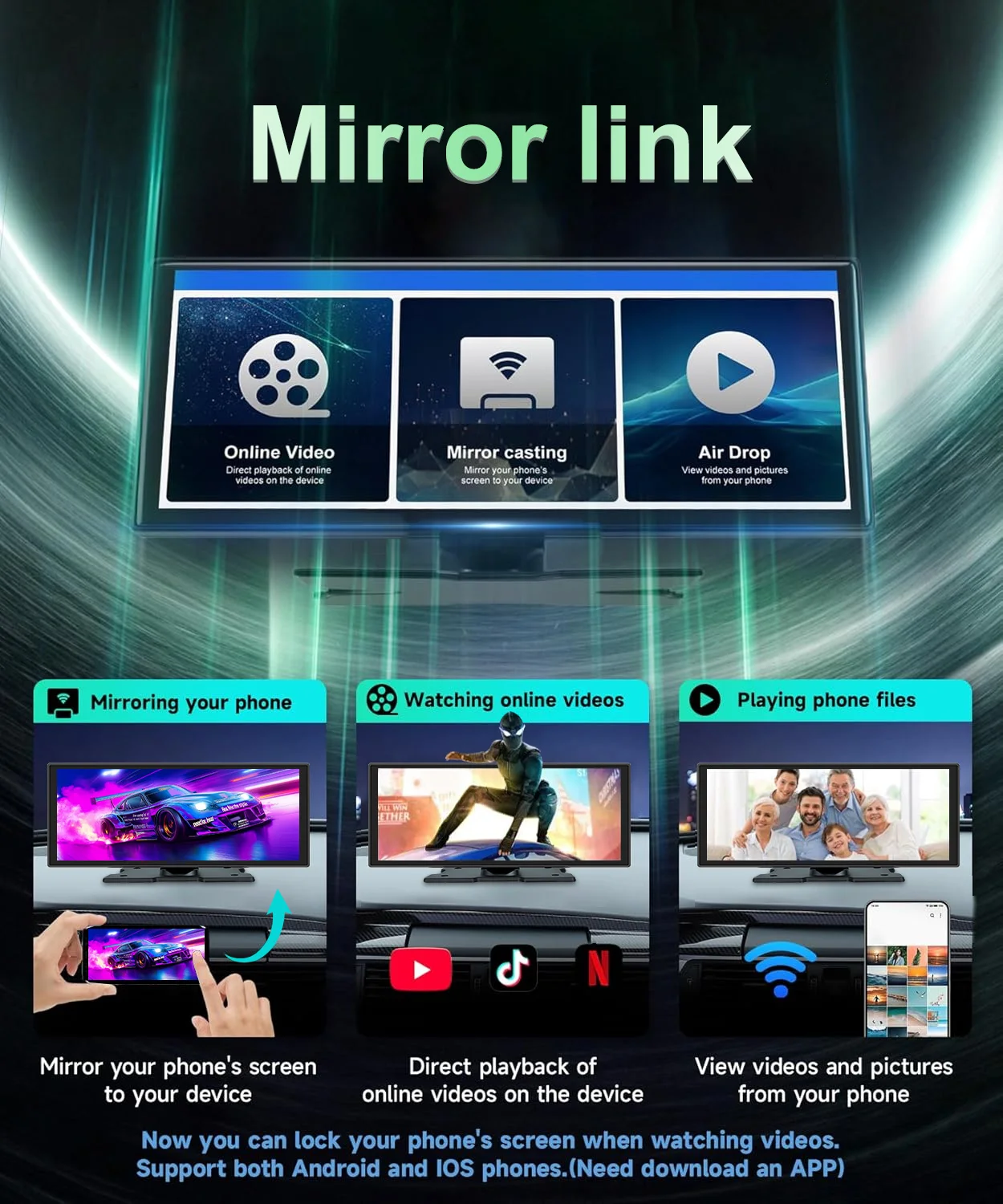
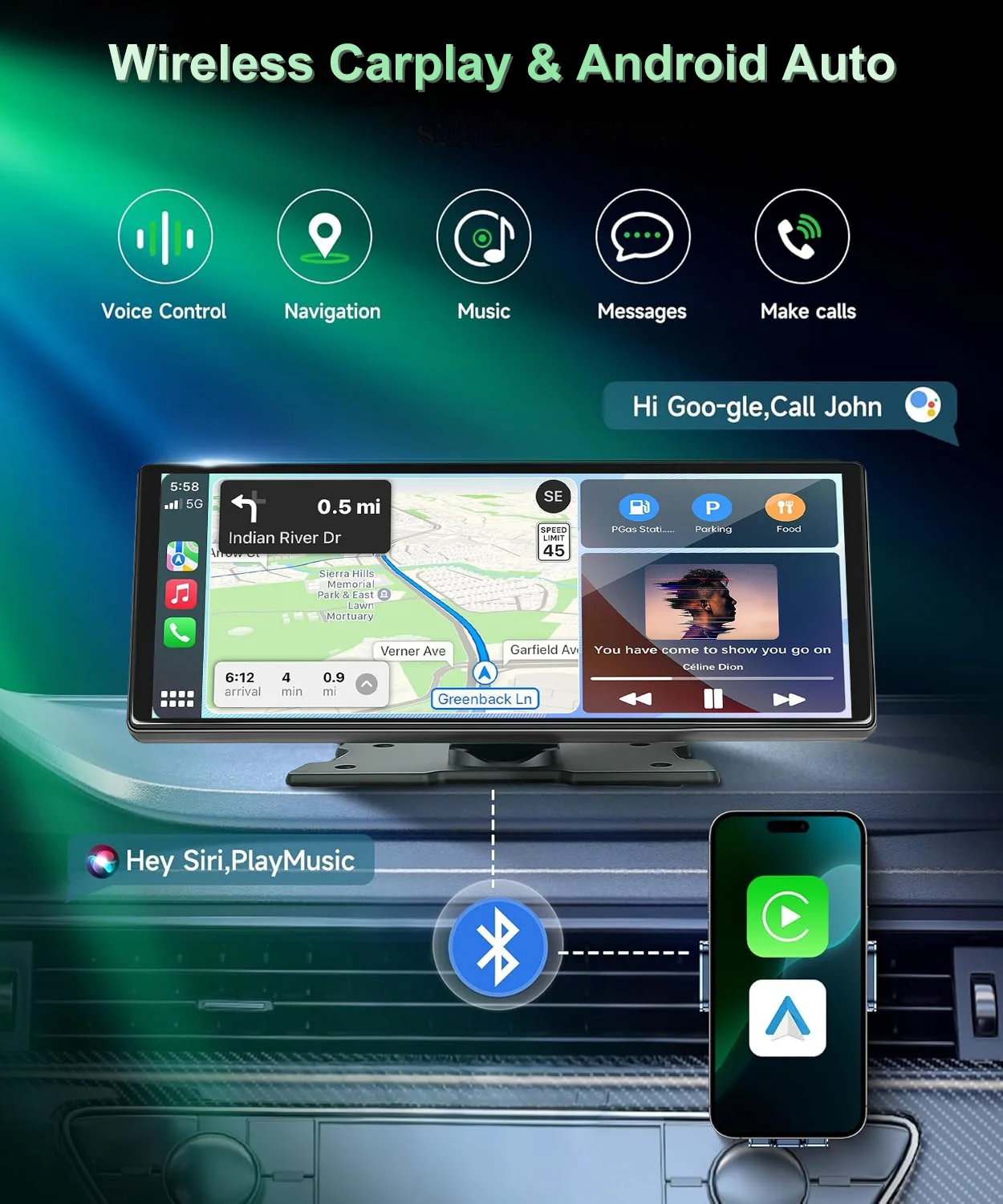
Supports Four Screen Projection Modes:
For Iphone: Carplay/AirPlay
For Android Phone:Android Auto/Miracast
T322 Front Or Cabin: UHD 4K 3840*2160P; Back:AHD 1080P
Language Support:
English, Chinese, Korean, Japanese, Portuguese, Polish, Spanish, Arabic, French, German, Italian, Hebrew, Russian, Turkish, Czech, Dutch,Vietnamese,Malay.
Memory Card Support: 32G/64G/128G/256G
Due to the fact that DVR is a 4K high-definition recording high-speed storage, please make sure to use high-quality U3 grade C10 high-speed brand memory cards. Some ordinary and inexpensive memory cards may not function properly.About Formatting The Memory Card:
When installing a memory card for the first time, be sure to format the memory card on the DVR. After formatting, the DVR can correctly match the memory card.
Formatting Steps: After installing the memory card, please enter the DVR menu, find the format option, and click to format the memory card(Important: Formatting the memory card on the computer is an incorrect operation. Please be sure to format the memory card on the DVR's menu option.)
About The Connection Of Carplay And Android Auto:(1) If it is an Apple phone, the DVR needs to choose the Carplay connection method as the connection method, and the Carplay software installed on the Apple phone can directly connect to the DVR through the Carplay function;(2) If it is an Android system phone, the DVR needs to select Android Auto as the connection method, and then use the Android Auto software downloaded from the Google App Market on the phone to connect to the DVR.
About WIFI Connection:
Before connecting to the DVR on the phone, it is necessary to install the WIFI connection app "Viidure" in advance.You can search for "Viidure" installation in the Apple App Store or Google App Market.
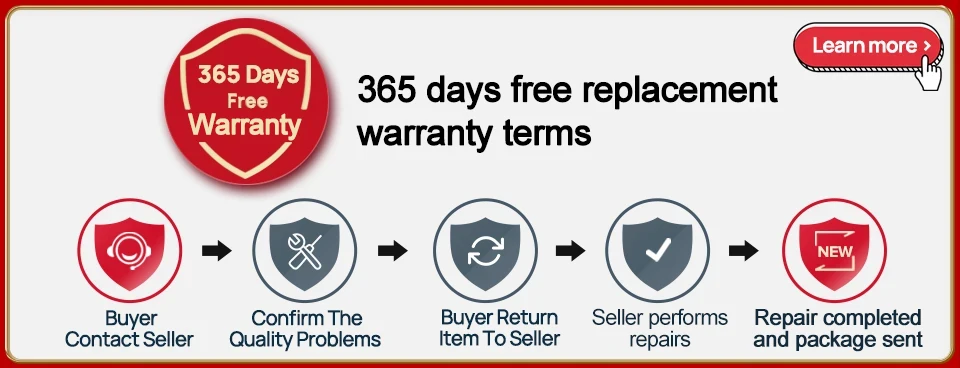
Steps:(1) In standby mode, enter the DVR menu and enter the WIFl setting menu;(2)In the wifi menu of the DVR, check to obtain the wifi SSID name and password;
(3)Open the "Viidure" APP on your phone, enter the configuration mode, turn on the wifi function of the phone, follow the prompts to find the SSID wifi signal of the DVR and enter the password to connect;(4)After successful configuration, you can connect and operate the DVR through the "Viidure" APP.
About The Reversing Assist Function:
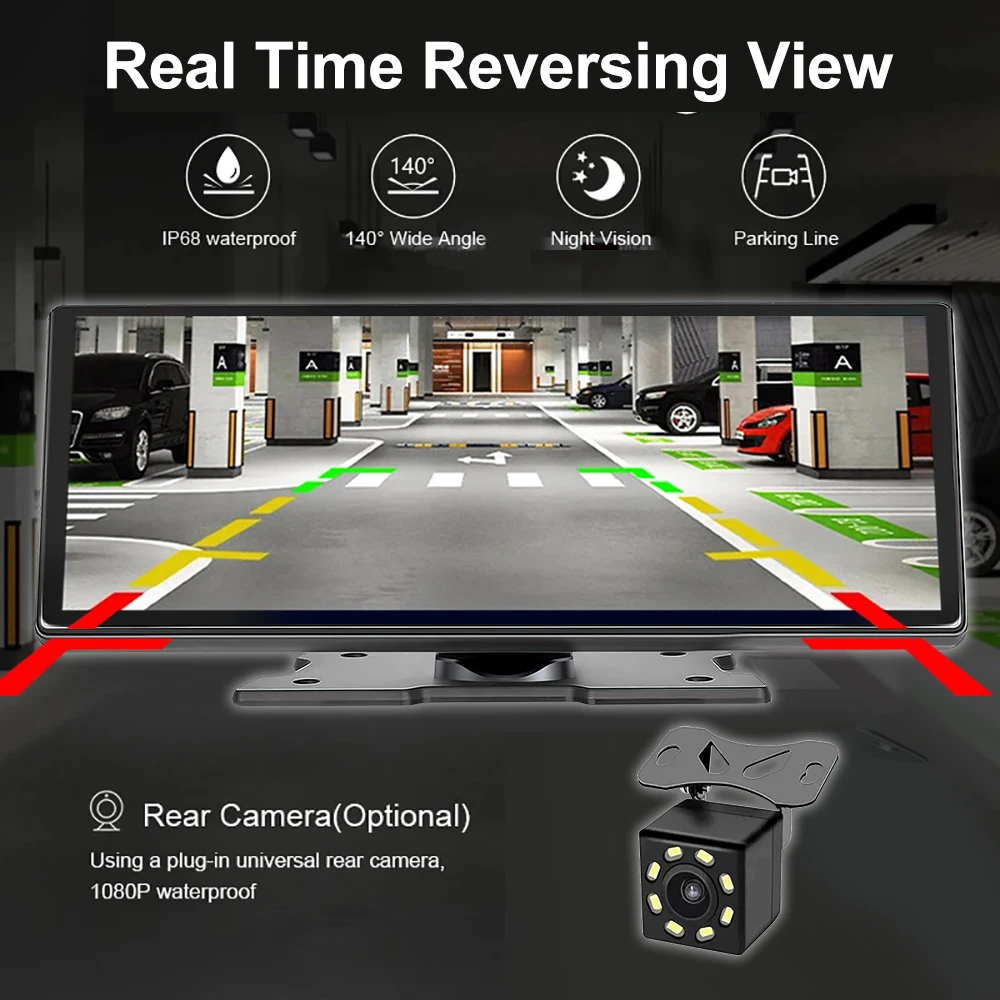
If the kit you ordered includes a rearview camera and you need to implement the reversing assist function, you need to connect the red signal wire of the rearview camera to the car's reversing light (the light will come on when reversing). If you don't need the reverse assist function, just disconnect the red signal wire and leave it unconnected.
T322 About 24-Hour Parking Monitoring:If you need the 24 hour parking monitoring function, you can order the corresponding Buck Line accessories to replace the car charger.Through Buck Line, the DVR power can be obtained directly from the car battery or car ACC, so that the DVR can maintain normal recording work even when the car is turned off.(Since different car models have different battery interfaces or ACC interfaces, it is not recommended to install it by yourself. It is recommended to find a professional to install the Buck Line.)
About The Installation And Use Of GPS(Optional):
1. Connect the GPS module to the DVR and turn on the GPS function in the DVR menu settings;
2. Install the DVR on the car and start the recording mode. Start the car outdoors and drive for a certain distance. The GPS module will automatically capture the satellite signal and the DVR will automatically record the video with the GPS driving track.T322 Video Playback Of GPS Tracks:
1. Install the GPS dedicated video player "Hit GPS Player" on your computer. Please enter the link below in your computer browser to download and install;
Download link: https://pcgps.ce2ce.com/hit/hitplayer.html2. Open the recorded DVR video with GPS track information on the computer through "Hit GPS Player" to play back the GPS driving track.
Couldn't load pickup availability
98 in stock
View full details